Streaming Decks
In the landscape of modern streaming, video production, and cozy workstation creation, a dedicated desktop control deck acts as the command center for your entire layout. Manually clicking through software layers or memorizing intricate keyboard macros interrupts your on-camera pacing and distracts from your gameplay immersion.
Smart macro decks fix this bottleneck by putting multi-action commands, real-time volume management, studio lighting, and scene transitions directly at your fingertips.
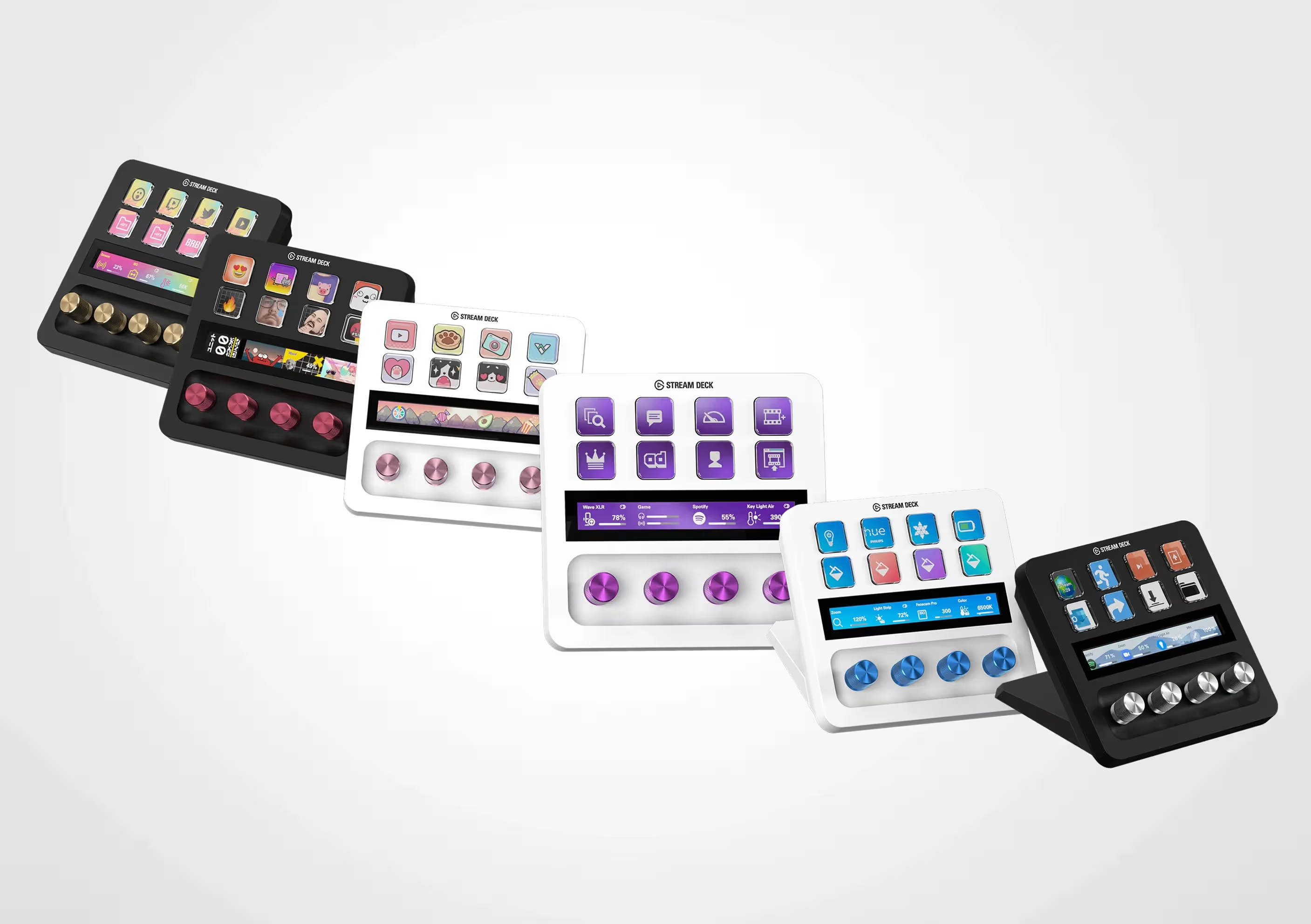
This deep-dive guide breaks down the core architectures of five top-tier controllers: Loupedeck Live, Loupedeck Live S, Elgato Stream Deck Neo, Elgato Stream Deck +, and the benchmark Elgato Stream Deck Classic. We review their technical features, software flexibility, plugin marketplaces, and build dynamics to help you pick the best addition to your setup.
1. Loupedeck Live: The Premium Console for Advanced Creators
Dual Touch-Screen Interface and Tactile Control Dials
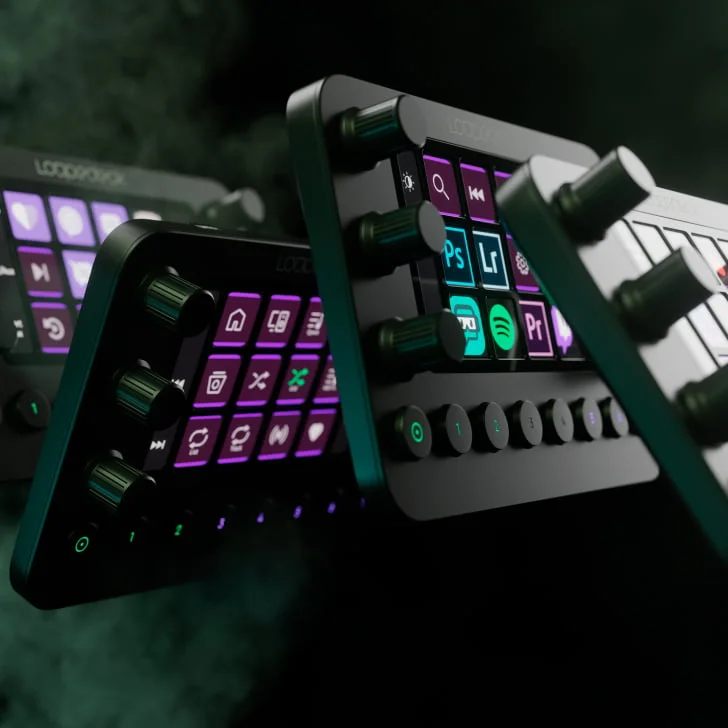
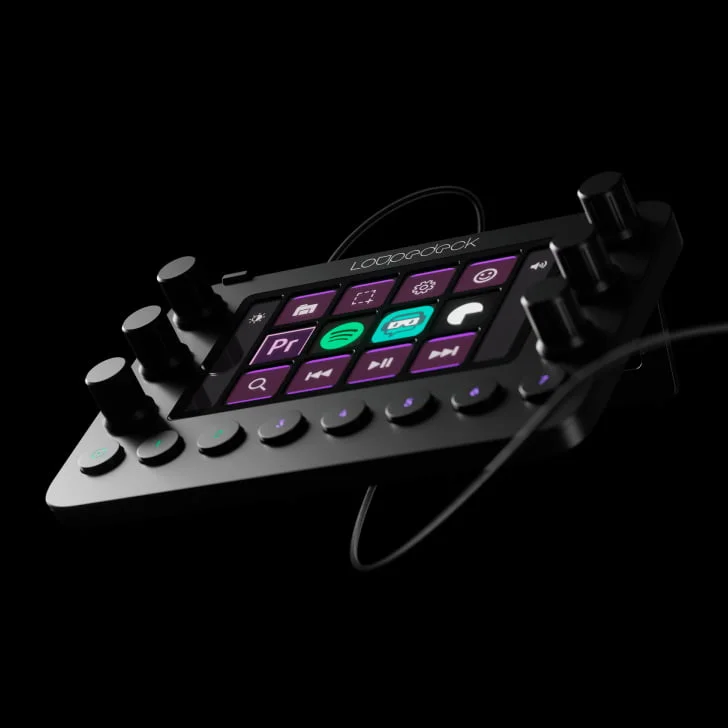
The Loupedeck Live is a highly capable console designed for creators who manage deep creative software suites alongside standard streaming setups. The device features 12 tactile touch-screen LED pads grouped by 6 precision rotary analog dials and 8 physical mechanical buttons. This tactile layout allows you to move smoothly between streaming adjustments and complex multi-track audio timelines.
Native Integrations for Creative Software Suites
While Elgato relies primarily on hotkeys to run external software, Loupedeck features deep native API integrations for advanced production apps. Out of the box, the Loupedeck marketplace offers deep tool control for:
- Adobe Creative Cloud: Native workflows for Premiere Pro, Lightroom Classic, Photoshop, and After Effects.
- Audio Engineering & Workstations (DAWs): Direct control parameters for OBS Studio, vMix, Spotify, and Twitch.
💡 Production Tip: The 6 analog dials are excellent for video editors and audio mixers. You can map them to color-grading wheels or separate audio channels, allowing you to tweak values without adjusting tiny software sliders with a mouse.
2. Loupedeck Live S: The Compact Workspace Mixer
High-Density Layout for Compact Spaces
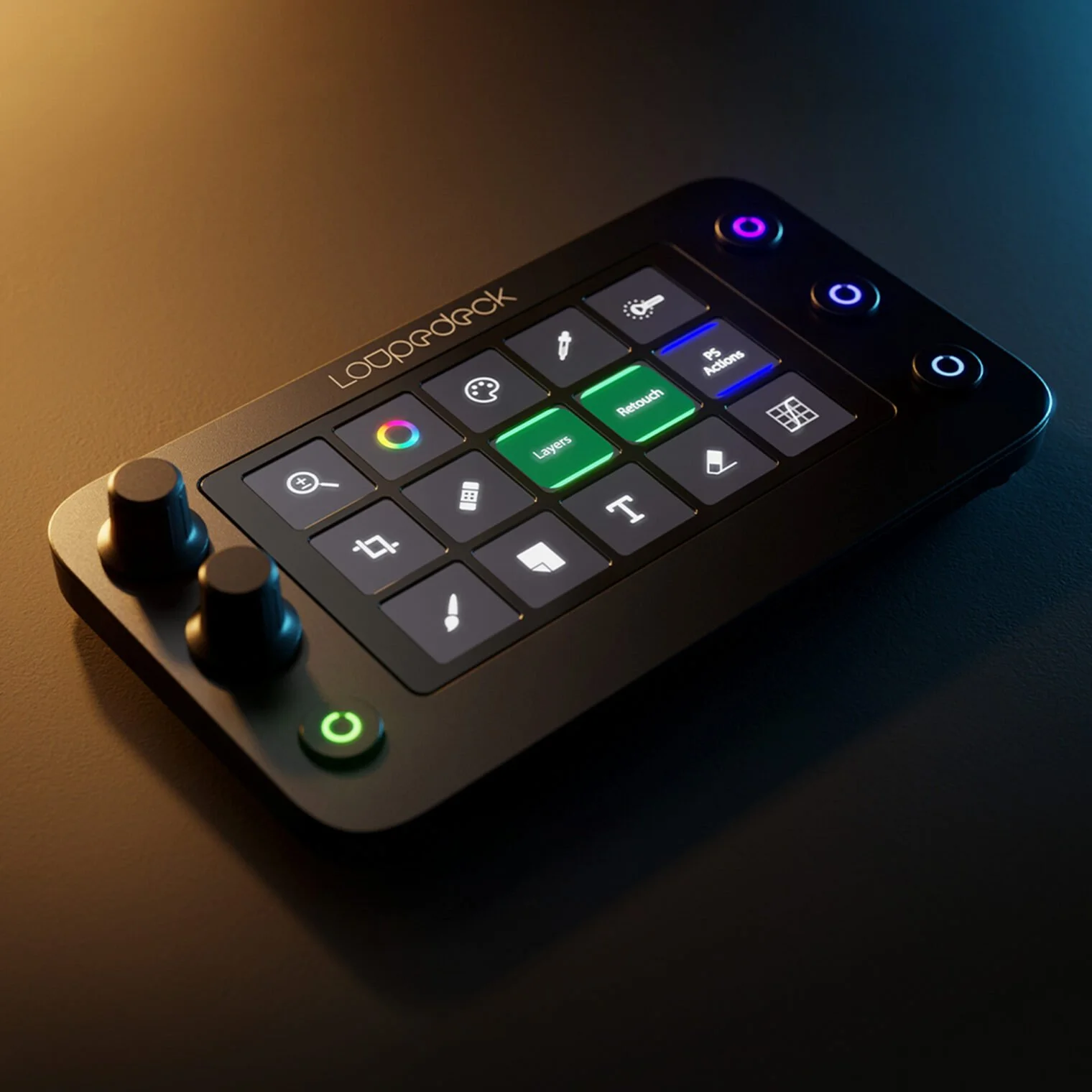
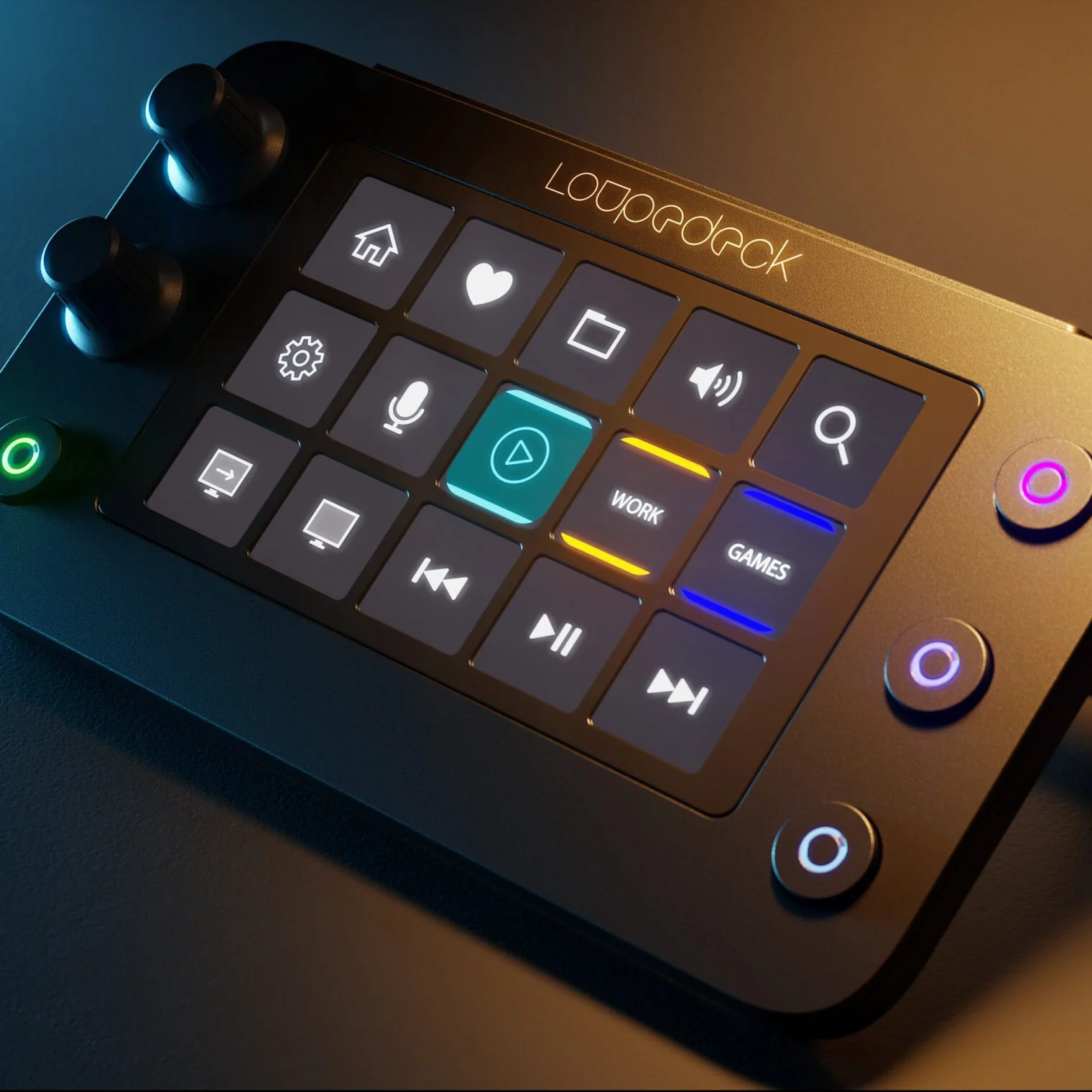
The Loupedeck Live S provides the functional power of the Loupedeck architecture in a smaller, low-profile footprint. It features 15 touch-sensitive LED pads, 2 analog dials with click-down functions, and 4 physical workspace buttons, making it a great option for clean desks or mobile laptop setups.
Touch Feedback and Multi-Layer Workspace Tracking
The Live S uses haptic-backed touch grids to run actions. Through the Loupedeck configuration utility, you can build custom multi-layered workspaces. For example, when you switch from playing a cozy game to editing a thumbnail, the device automatically shifts its touch layout to match the active application.
3. Elgato Stream Deck Neo: Clean Minimalism for Cozy Setups
Beautiful Aesthetic Styling
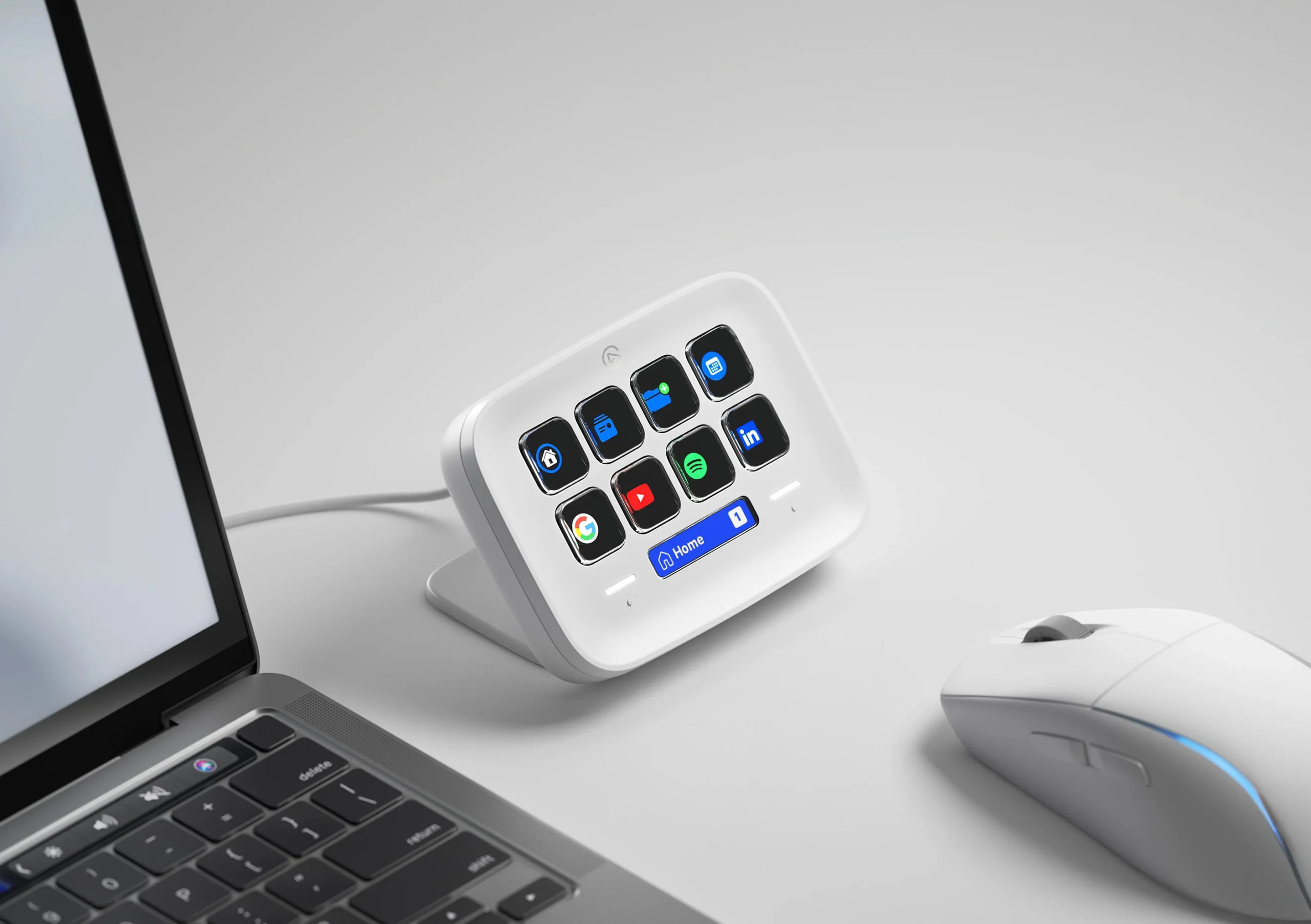
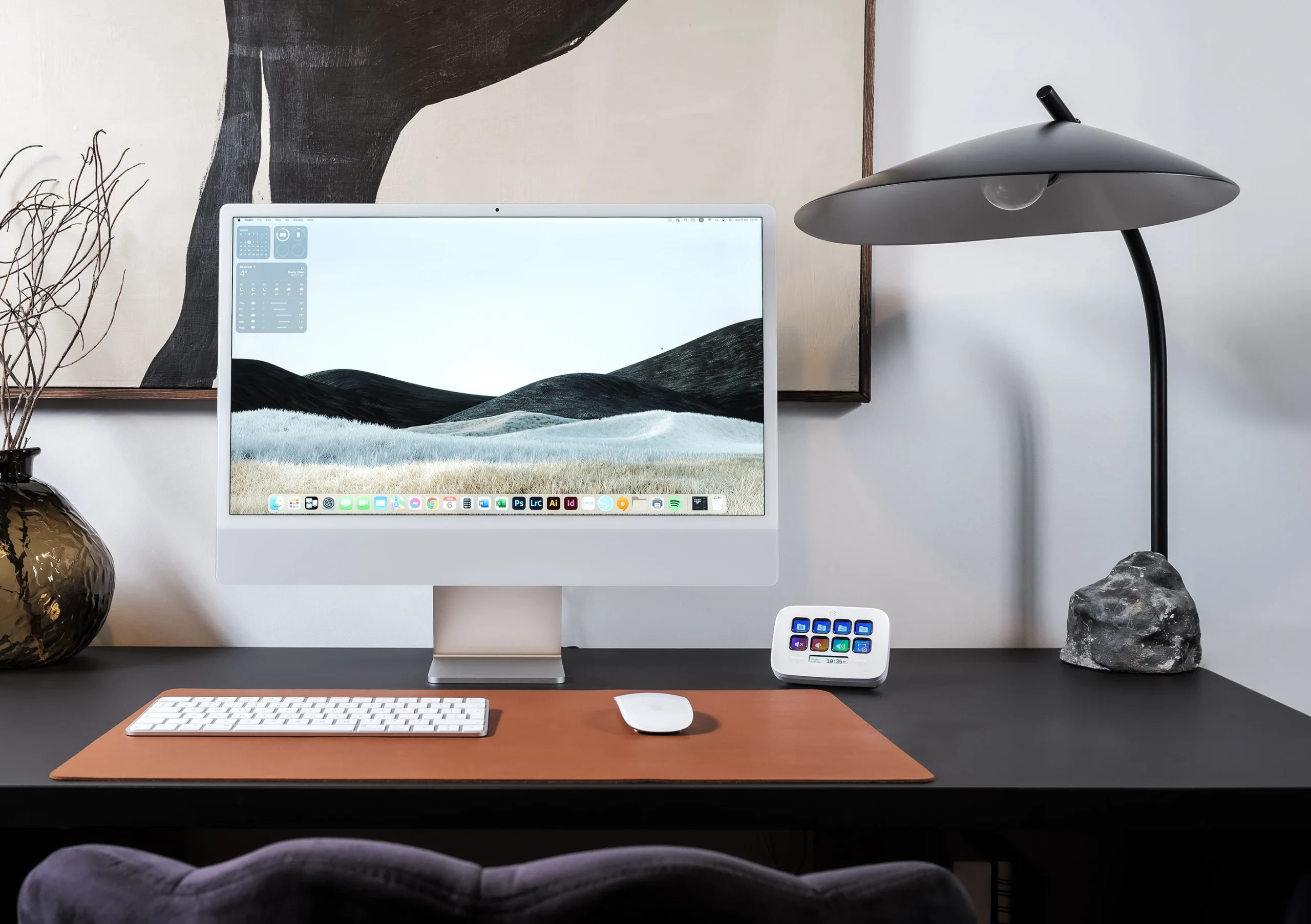
The Elgato Stream Deck Neo updates classic desktop macro design with a fresh look. Part of Elgato’s lifestyle-focused Neo family, this controller swaps out dark plastic for a clean, matte-white finish and soft curves, blending seamlessly into minimalist or cozy desk aesthetics.
Smart Infobar Display and Built-In Touch Points
The Stream Deck Neo features 8 customizable LCD keys split by a centered LCD Infobar. This tracking screen displays the date, time, or your active layout profile. Flanking the infobar are 2 capacitive Touch Points that let you tap left or right to flip through key pages instantly, bypassing the need to sacrifice any of your main keys for navigation.
💡 Cozy Setup Tip: The Stream Deck Neo is ideal for casual creators. You can easily map its keys to post welcome text in your chat, start a lo-fi background music playlist, or dim your room lights, all while maintaining a clean, cohesive desk look.
4. Elgato Stream Deck +: The Versatile Audio and Video Hub
Hybrid Button, Dial, and Touch Strip Layout
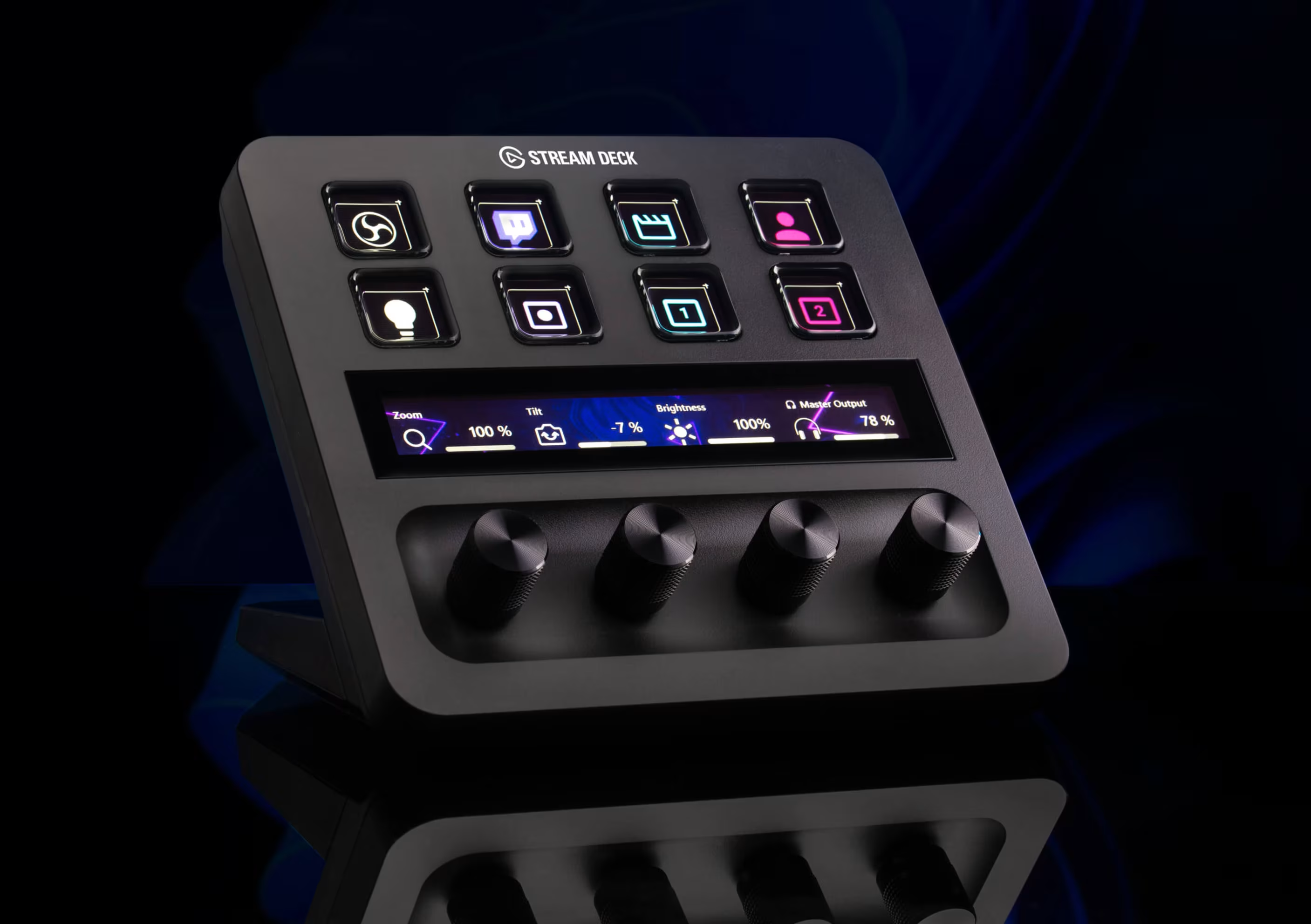
The Elgato Stream Deck + is a versatile controller that pairs tactile buttons with dial functionality. Its front console features 8 classic LCD keys, 4 click-activated endless rotary dials, and a vibrant, horizontal LCD touch strip.
Advanced Audio Control with Wave Link Integration
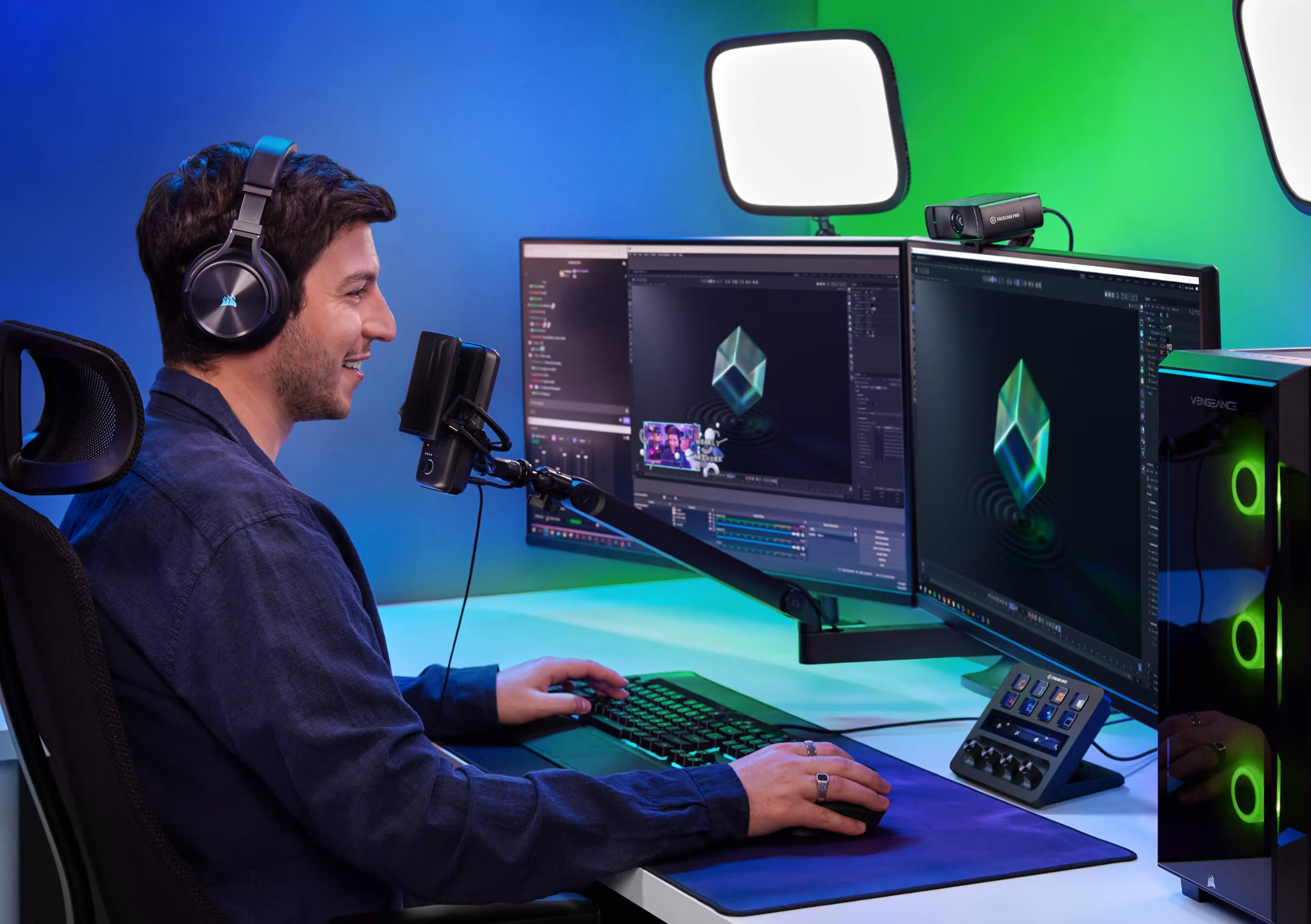
The Stream Deck + serves as a powerful hardware controller for Wave Link digital audio software. The dials let you balance separate audio feeds—like game sound, music, voice chat, and alerts—in real time. The touch strip shows live volume levels and lets you tap to mute channels instantly.
5. Elgato Stream Deck Classic: The Reliable Studio Benchmark
The Gold Standard for Macro Control
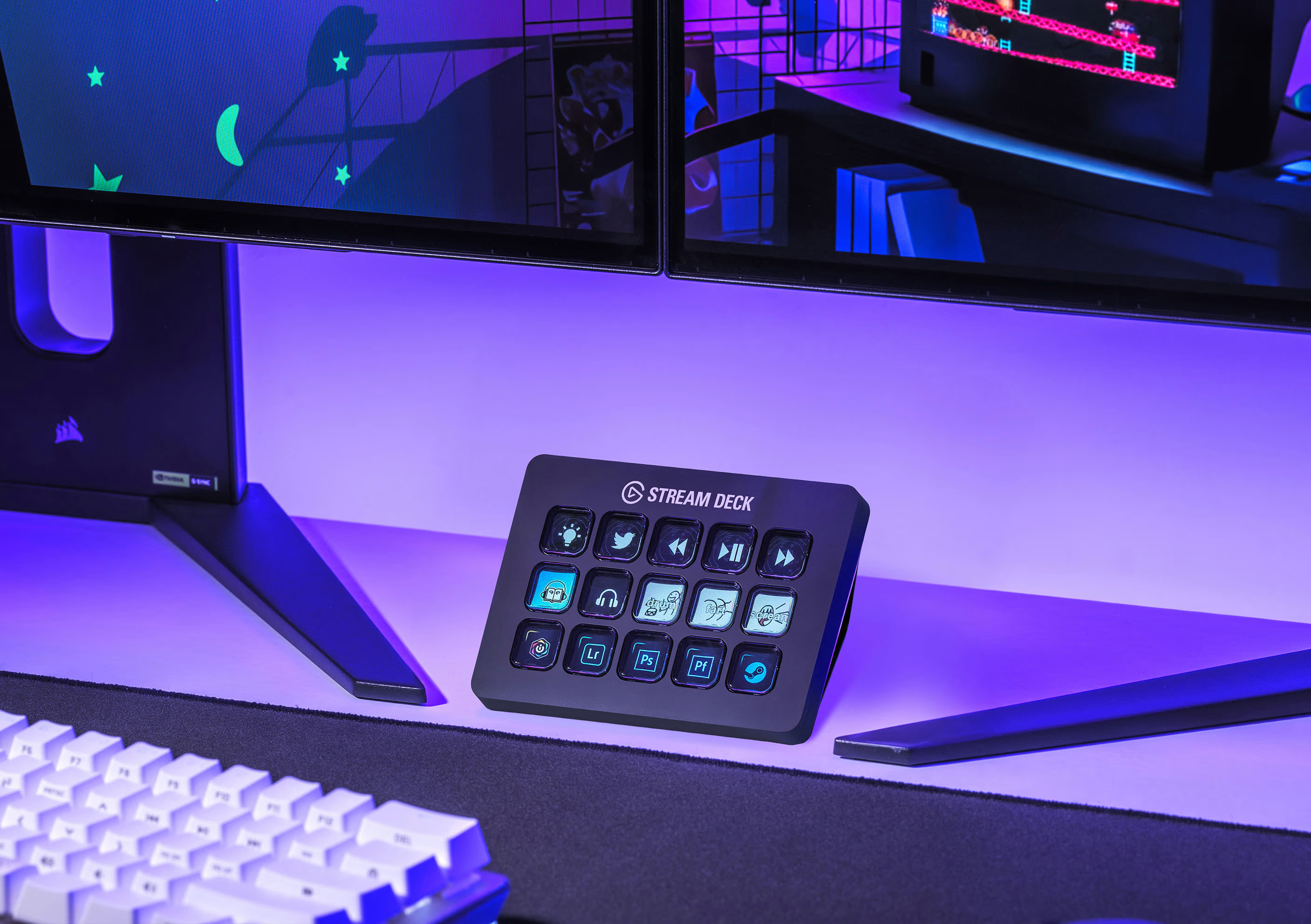
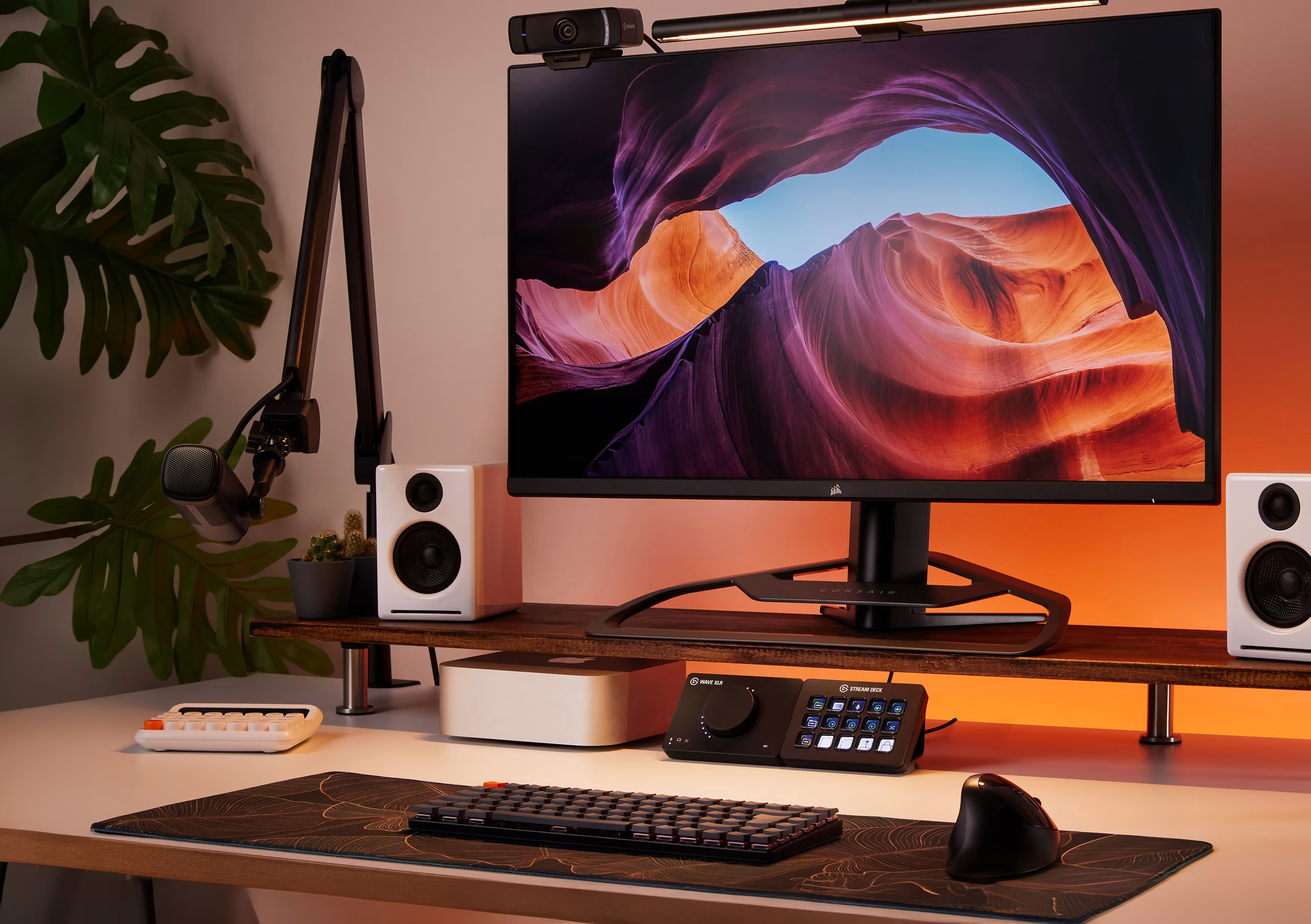
The 15-key Elgato Stream Deck Classic remains a dependable baseline for online broadcasting. Its straightforward layout features 15 customizable grid LCD keys backed by a responsive membrane switch design that has powered live streams since 2017.
Seamless Elgato Marketplace Integration
The Stream Deck Classic integrates directly with the Elgato Marketplace. This expansive ecosystem lets you easily install pre-made plugins, icon packs, and audio profiles. It connects seamlessly to popular tools like OBS Studio, Philips Hue, Twitch, and Discord, letting you build custom multi-actions that trigger complex routines with a single press.
Premium Smart Controller Comparison
Loupedeck vs. Elgato Stream Deck Ecosystems
| Core Metric | Loupedeck Live | Loupedeck Live S | Stream Deck Neo | Stream Deck + | Stream Deck Classic |
|---|---|---|---|---|---|
| Interface Array | 12 Touch Pads 6 Analog Dials 8 Buttons |
15 Touch Pads 2 Analog Dials 4 Buttons |
8 LCD Keys 2 Touch Points Smart Infobar |
8 LCD Keys 4 Analog Dials 1 Touch Strip |
15 LCD Keys Grid Style Layout |
| Form Factor | Pro Desktop | Compact Low-Profile | Cozy Matte White | Studio Multi-Zone | Standard Desktop |
| Best Suited For | Advanced Editors & Dual-PC Broadcasters | Compact Desk Spaces & Audio Mixing | Cozy Gaming & Minimalist Workspaces | Live Audio Mixing & Lighting Control | Classic App Macros & Full Studio Control |
| Software Platform | Loupedeck Suite (Deep Native APIs) | Loupedeck Suite (Deep Native APIs) | Stream Deck App (Drag & Drop) | Stream Deck App + Wave Link Engine | Stream Deck App (Marketplace Plugins) |
| OS Support | Windows 10+ macOS 10.14+ |
Windows 10+ macOS 10.14+ |
Windows 10+ macOS 12+ |
Windows 10+ macOS 11+ |
Windows 10+ macOS 10.15+ |
| Connectivity | USB-C (Includes USB-A Adapter) | Integrated USB-C Cable | Integrated USB-C Cable | Detachable USB-C to USB-A | Integrated USB-A or USB-C |
Strategic Summary: Which Desktop Deck Best Fits Your Creative Space?
- The Production Specialist (Loupedeck Live / Live S): Choose Loupedeck if you want deep, hardware-level control over complex creative software like Adobe Premiere, Lightroom, or pro-grade music DAWs.
- The Cozy & Aesthetic Broadcaster (Elgato Stream Deck Neo): The Neo is an excellent choice for clean, modern desk setups. It offers a minimalist design, a helpful central infobar, and straightforward drag-and-drop key configuration.
- The Complete Studio Hub (Elgato Stream Deck + / Classic): Opt for the Stream Deck + or Classic if you want a reliable, plug-and-play ecosystem. These devices are backed by an expansive app marketplace, offering clean audio mixing and excellent ecosystem compatibility.