Loupedeck Live Review – Precision Dials and API Architecture for Advanced Content Creators
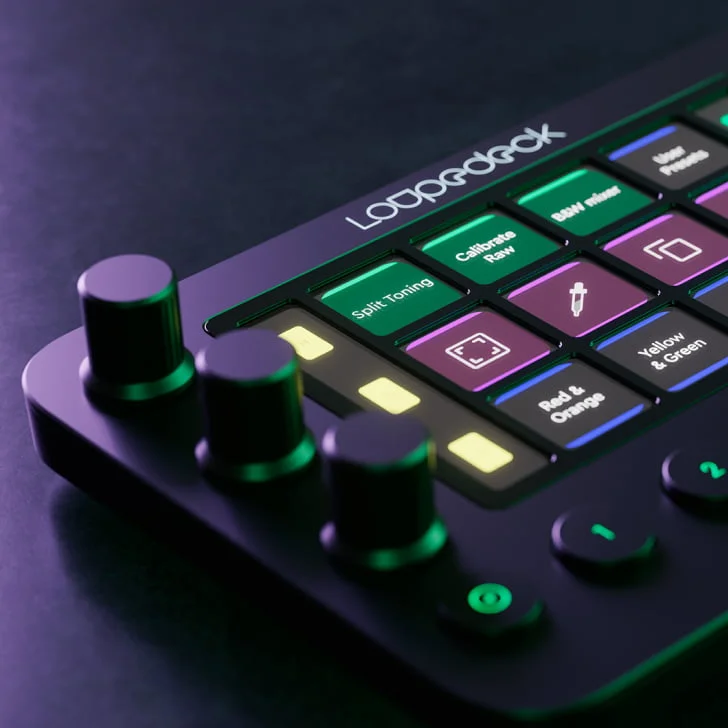
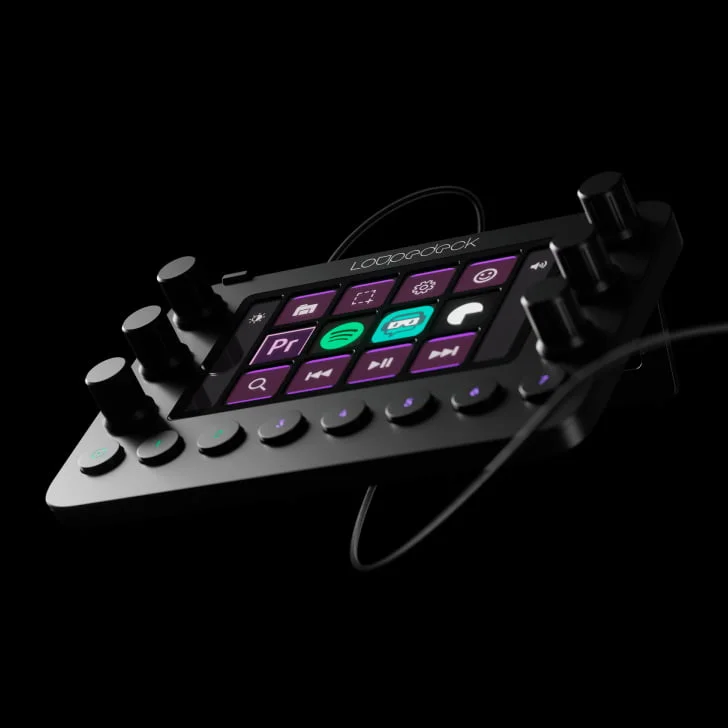
For professional live broadcasters, high-end video editors, and multi-track audio engineers, basic button grids can feel restrictive. When managing a dense broadcast or jumping from a stream into an editing timeline, you need deeper physical controls. The Loupedeck Live addresses this with a hybrid tactile layout that features touchscreen panels, mechanical buttons, and physical rotary dials.
Dual-Touch Interface and Analog Control Dials
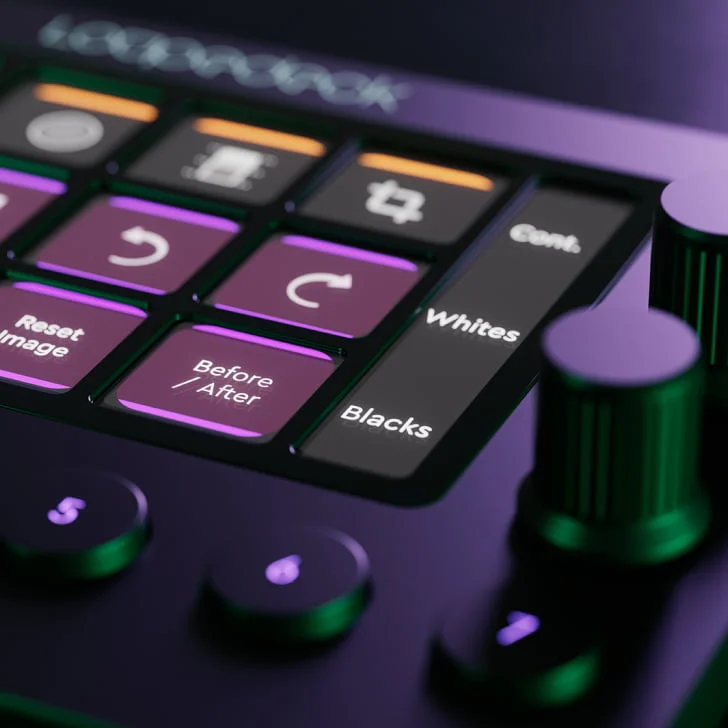
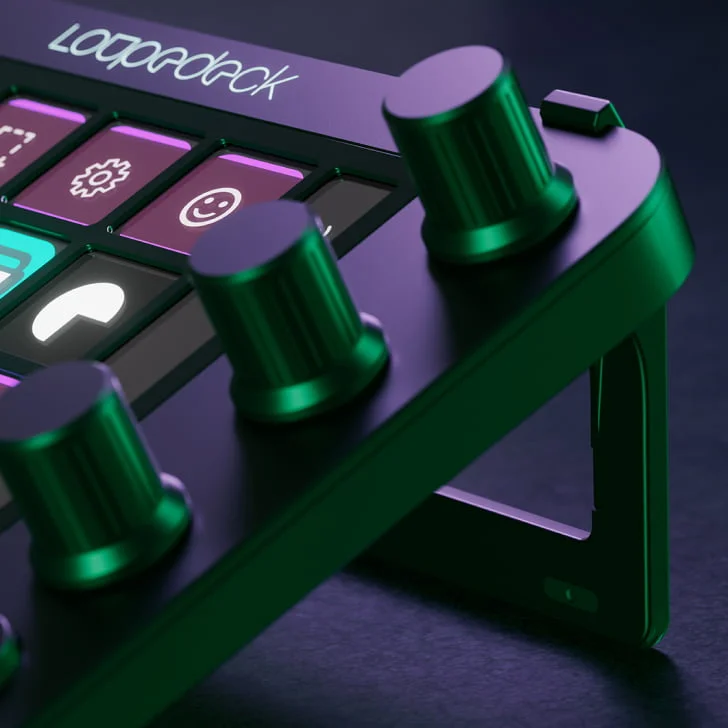
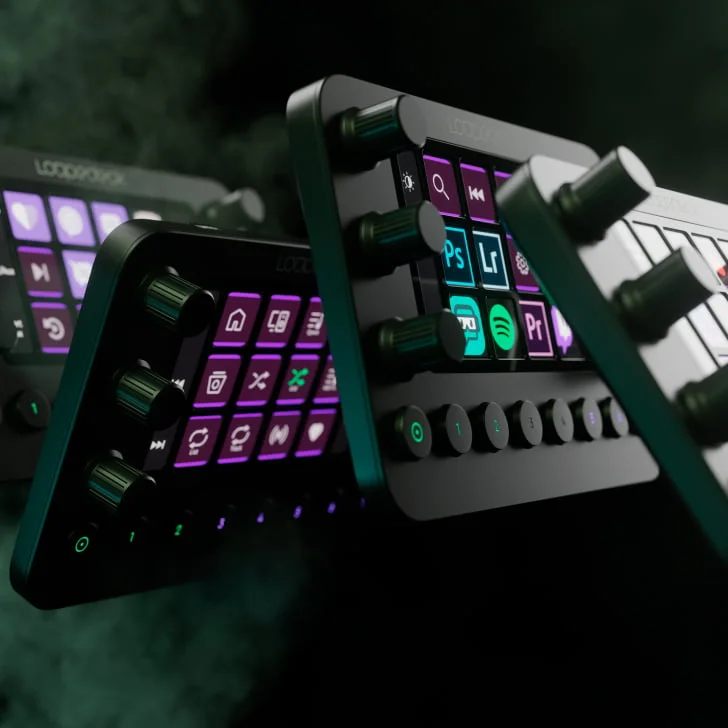
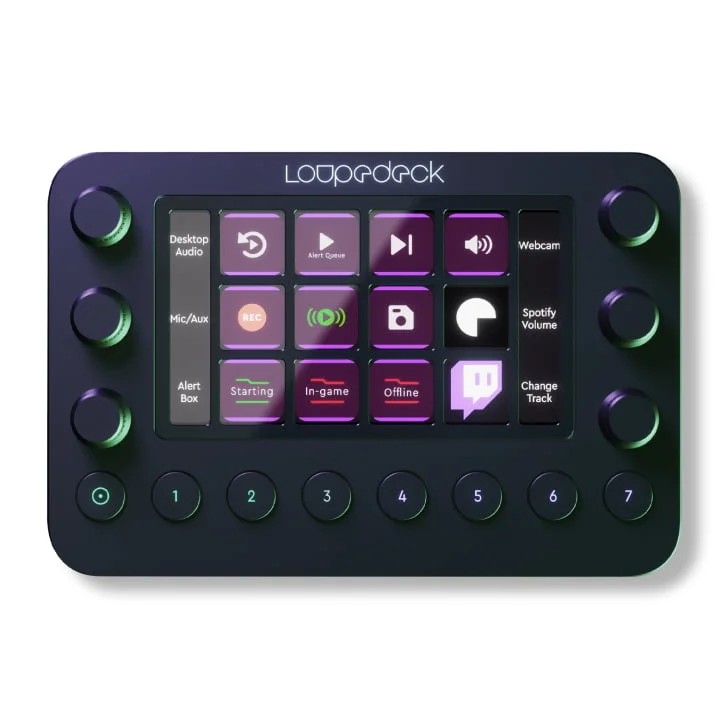
The core advantage of the Loupedeck Live is its comprehensive physical layout. The console features 12 touch-sensitive LCD pads split down the sides by 6 endless analog rotary dials with built-in push functions, along with 8 physical workspace buttons along the bottom.
This hybrid layout lets you use the screen keys to run simple macros or trigger scene changes, while using the tactile dials to smoothly adjust audio levels, pan cameras, fine-tune lighting values, or scrub across a video timeline.
Deep Native Software Integrations
While many control decks rely purely on keyboard shortkey emulation, Loupedeck uses deep native API integrations for specialized creative programs. The companion desktop software communicates directly with your tools to provide accurate feedback. Out of the box, the Loupedeck ecosystem features dedicated plugin architectures for:
- Adobe Creative Cloud: Native workflows for Premiere Pro, Lightroom Classic, Photoshop, Illustrator, and After Effects.
- Streaming and Audio Software: Complete command profiles for OBS Studio, Streamlabs, Twitch, vMix, Spotify, and Philips Hue.
💡 Production Tip: Map the 6 physical dials to separate audio sources within OBS Studio (e.g., Microphone, Game Sound, Discord, Discord Music). This allows you to rebalance your audio mix on the fly during live broadcasts without opening menus or using your mouse.
Loupedeck Live Technical Reference Matrix
| Feature | Specification |
| Interface Elements | 12 Touch Screens, 6 Rotary Dials, 8 Hard Buttons |
| Form Factor | Premium Desktop Console with Removable Stand |
| Software Platform | Loupedeck Suite (Native API Dynamic Architecture) |
| Connectivity | Detachable USB-C (Includes USB-A Adapter) |
| Best Suited For | High-End Broadcasters, Video Editors, and Audio Mixers |
| OS Compatibility | Windows 10/11, macOS 10.14+ |
Final Verdict: Who Is the Loupedeck Live For?
The Loupedeck Live is designed for creators who want advanced, hardware-level control over their streaming and production software. If you divide your time between live broadcasting and detailed post-production editing, its rotary dials and contextual profiles make it an incredibly powerful studio tool.