Loupedeck Live S Review – The Fluid Touch and Audio Companion for Minimalist Desk Setups
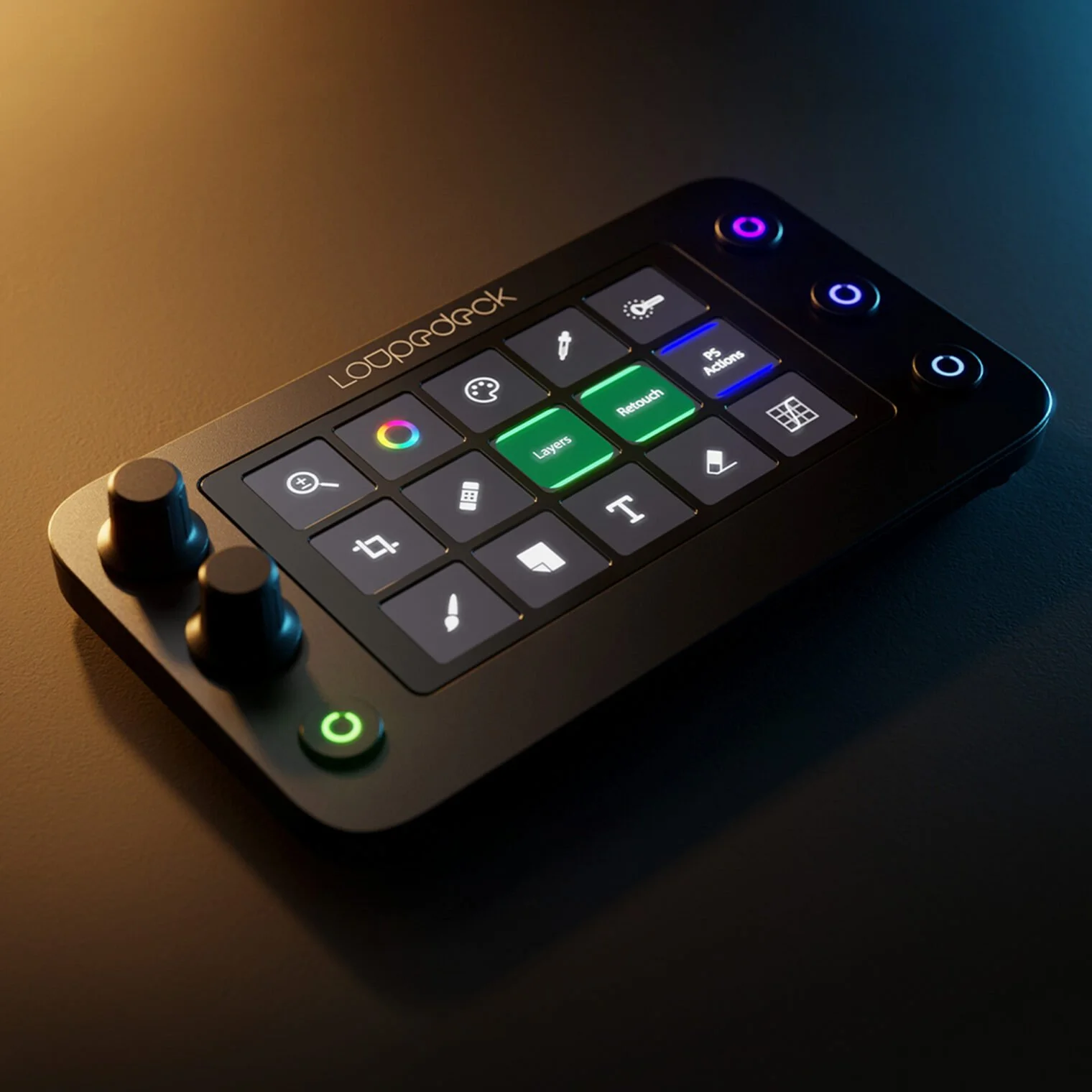
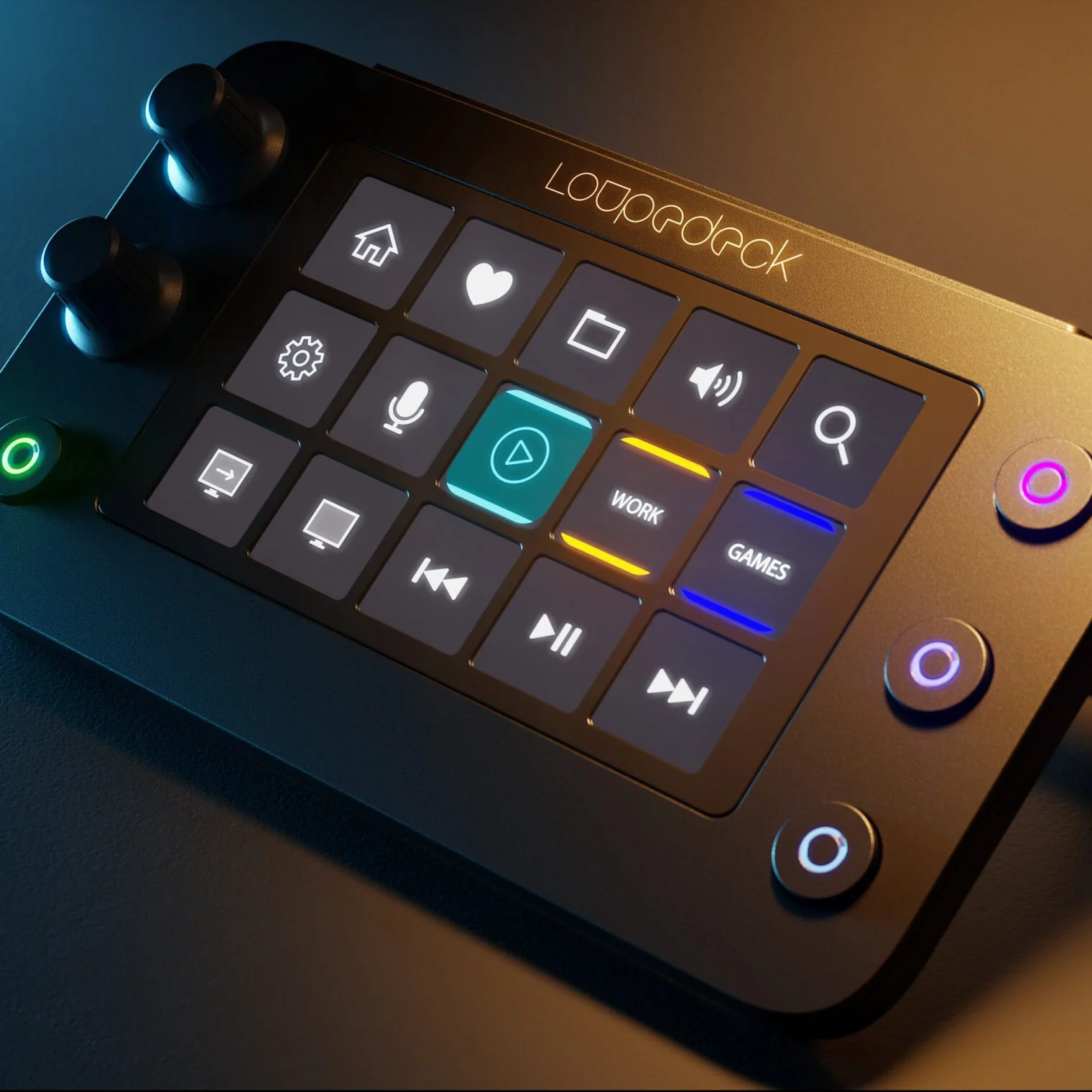
Managing a live broadcast, mixing audio feeds, and controlling smart lights shouldn’t require a massive desk console. Many streamers prefer a clean, uncluttered workspace. The Loupedeck Live S condenses the advanced software power of the Loupedeck line into a small, low-profile footprint that fits neatly into any minimalist desktop layout.
High-Density Layout with Precision Control Dials
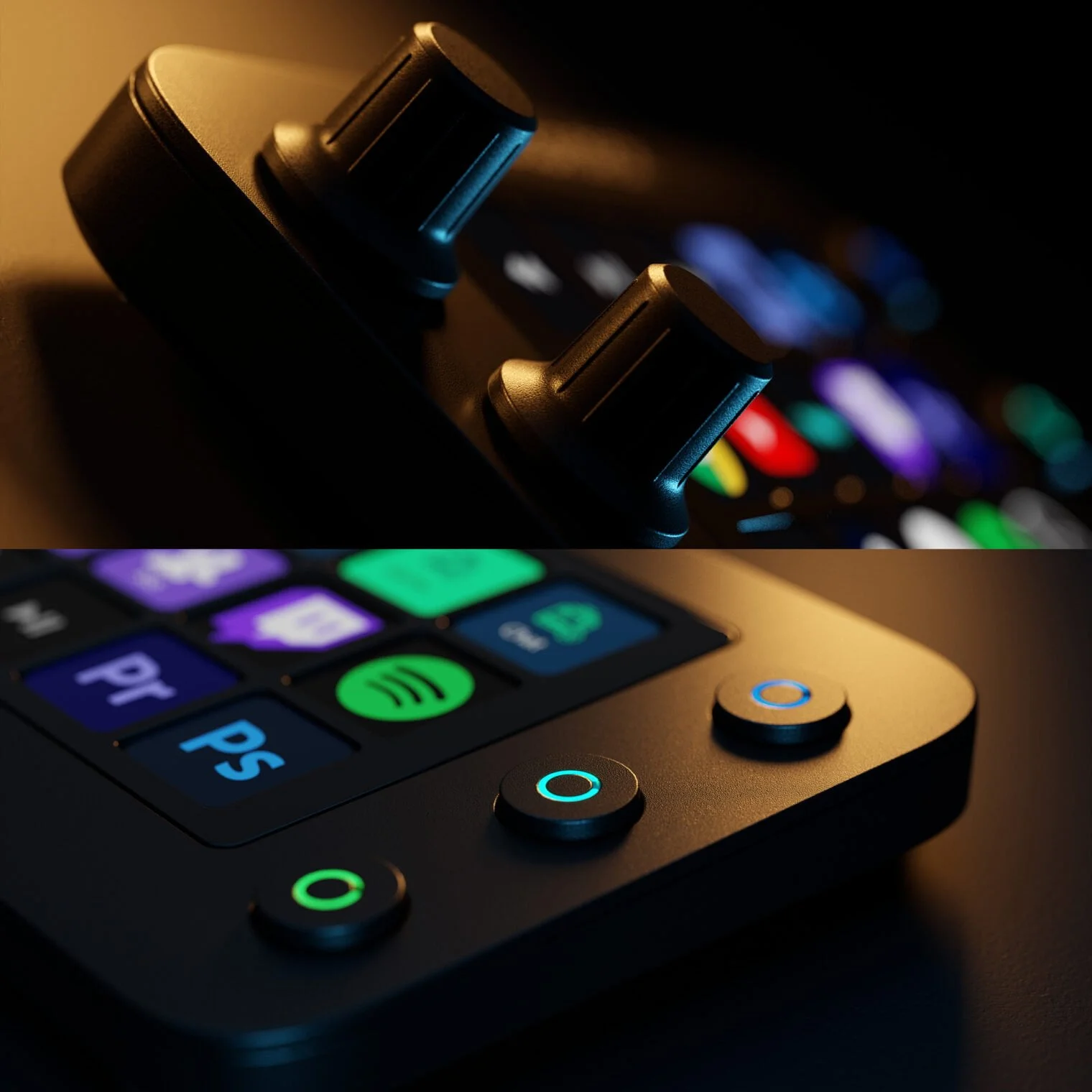
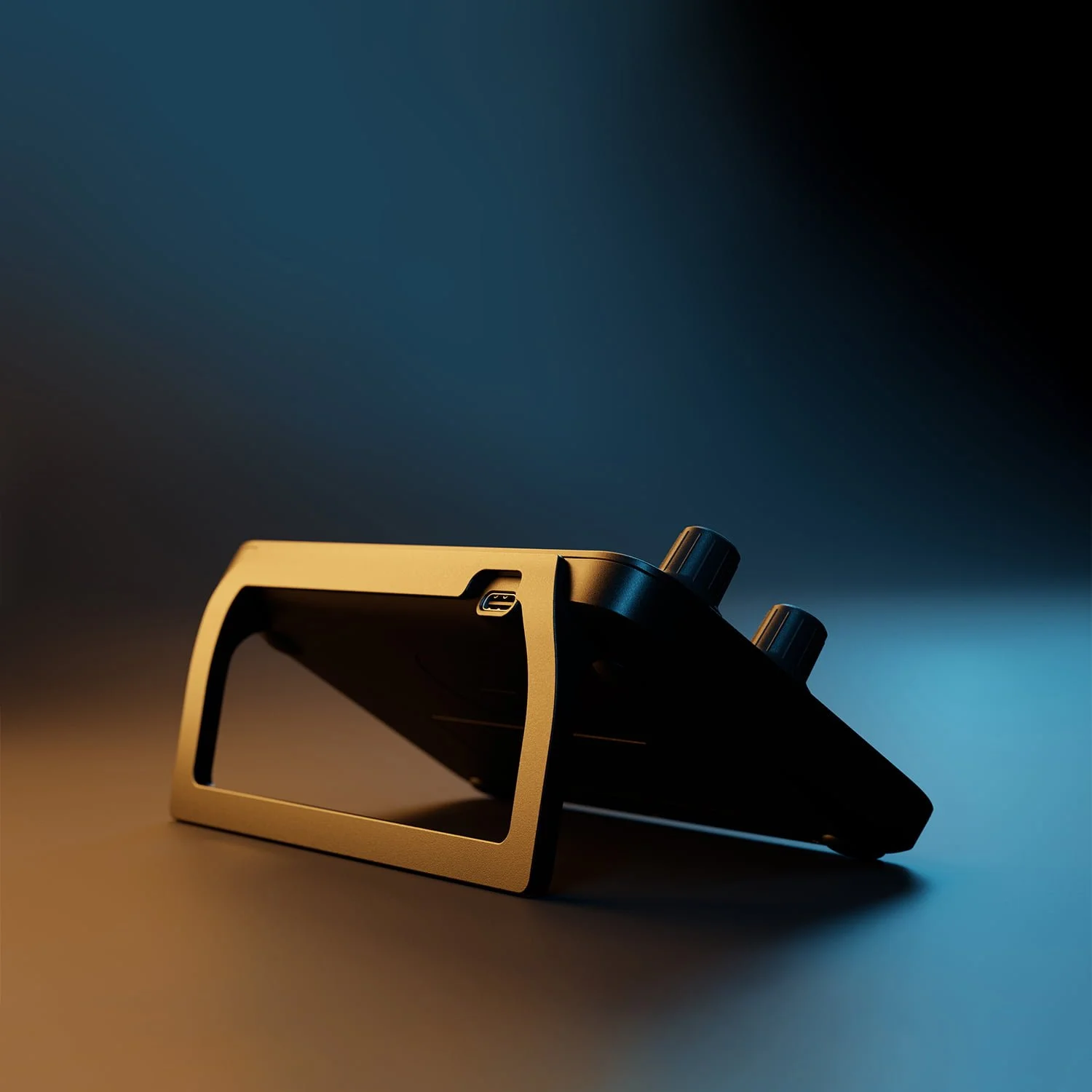
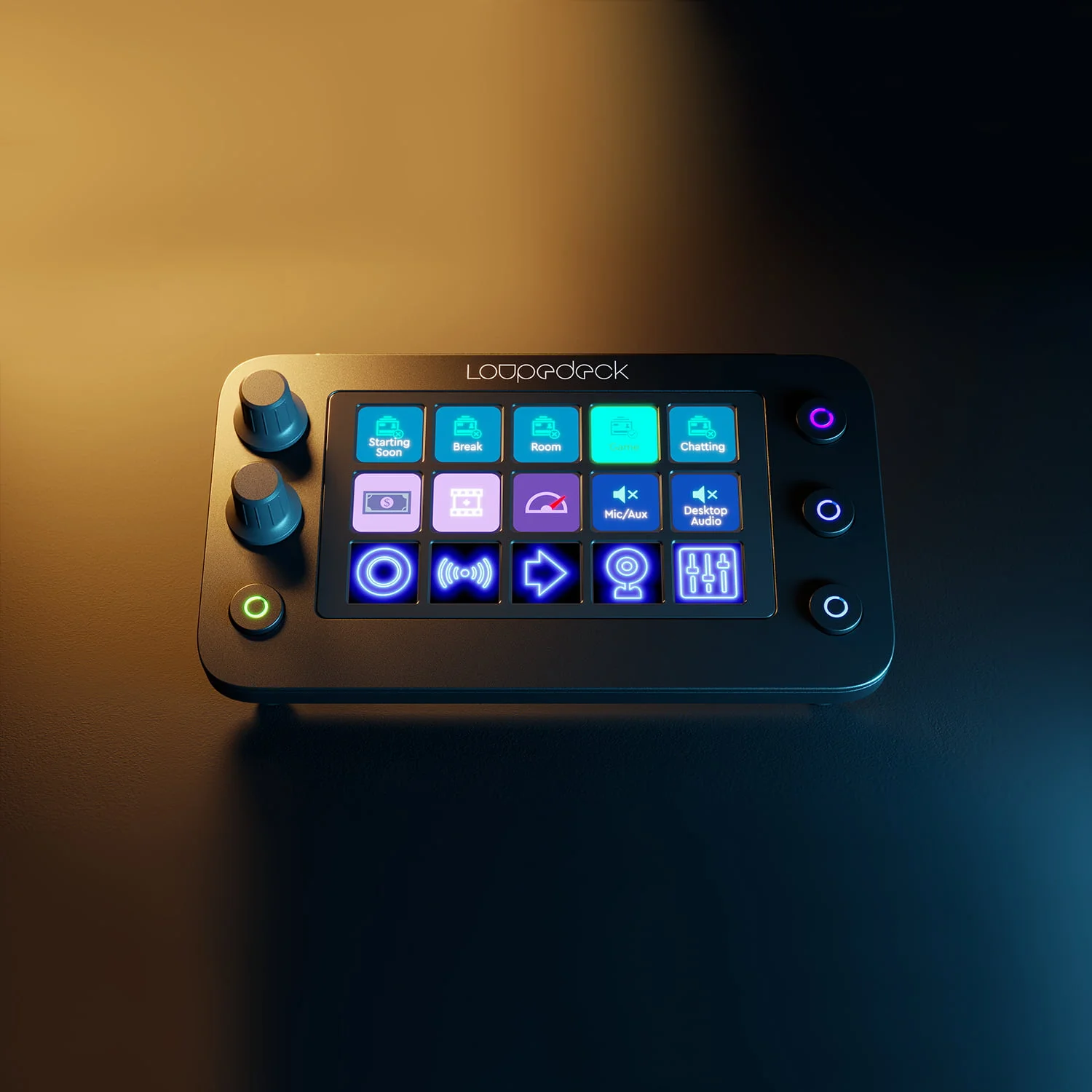
The Live S packs a versatile set of controls into its compact design, featuring 15 touch-sensitive LED pads, 2 analog rotary dials with click-down functions, and 4 physical workspace tracking buttons. The capacitive touch grid uses haptic vibrations to confirm your inputs, helping you launch macros confidently without looking down from your monitor.
Dynamic Profile Context Tracking
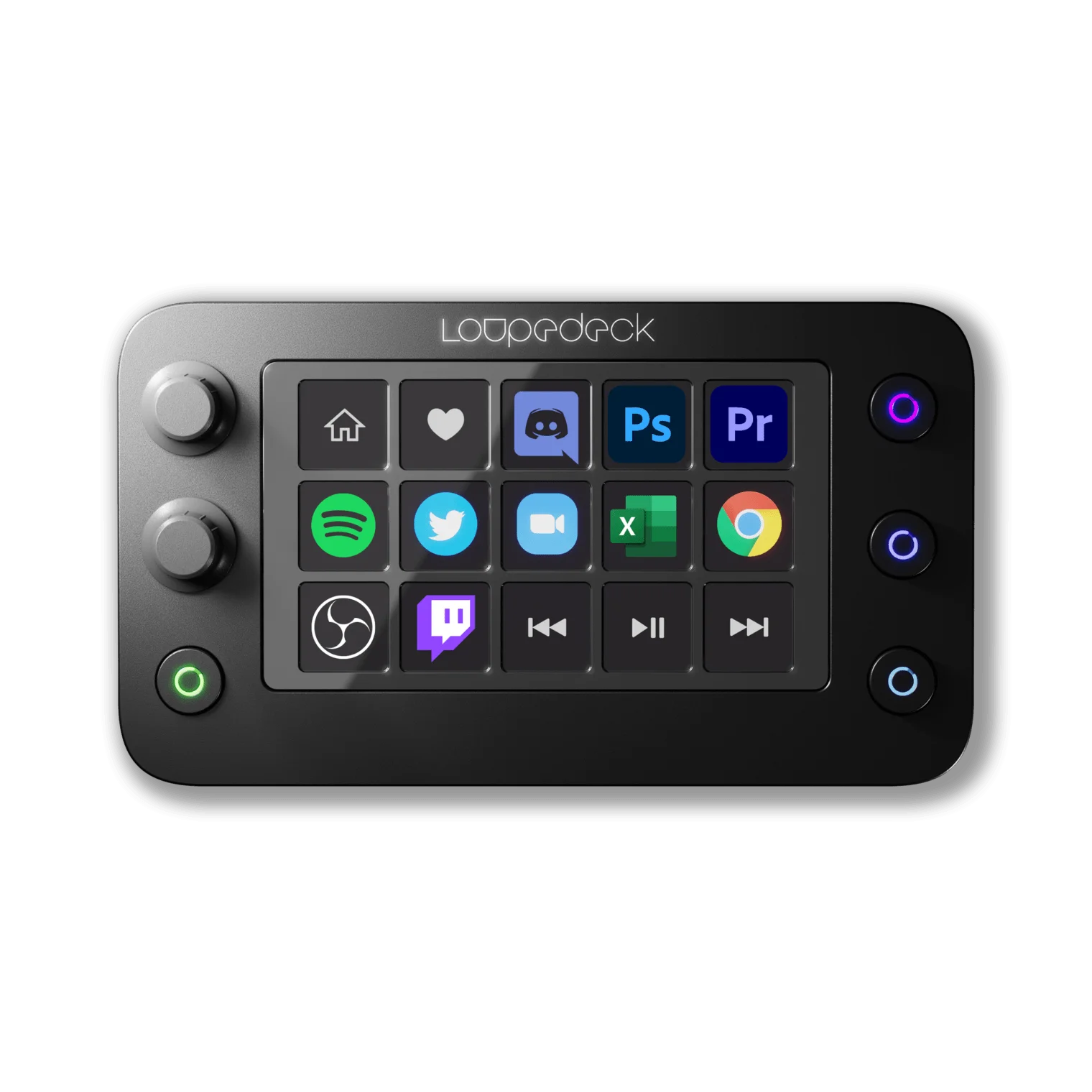
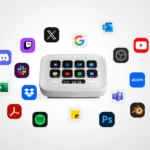
The Live S uses a smart dynamic profile mapping engine. Using the desktop app, you can create custom pages for different activities.
When you boot up a game, the Live S can display your streaming scenes, chat commands, and lighting macros. If you switch over to an app like Photoshop, the controller automatically updates its touch layout to display brush sizes, layer tools, and opacity settings.
💡 Cozy Setup Tip: Position the Loupedeck Live S right beside your keyboard or mouse pad. Its low-profile angle lets you easily reach its dials and keys, keeping your workspace clean and efficient.
Loupedeck Live S Technical Reference Matrix
| Feature | Specification |
| Interface Elements | 15 Touch Pads (Haptic Feedback), 2 Analog Dials, 4 Buttons |
| Form Factor | Compact, Space-Saving Low-Profile Shell |
| Software Platform | Loupedeck Suite (With Marketplace Asset App) |
| Connectivity | Integrated USB-C Cable (With USB-A Adapter) |
| Best Suited For | Compact Workspaces, Audio Level Adjustments, and Casual Streamers |
| OS Compatibility | Windows 10/11, macOS 10.14+ |
Final Verdict: Who Is the Loupedeck Live S For?
The Loupedeck Live S is a great choice for creators who want precise control over their apps without cluttering their desks. Its smooth touch pads, physical dials, and automatic profile switching offer a fantastic balance of features in a compact size.