
Elgato vs. Logitech vs. Razer
In live streaming, digital content creation, and casual gaming, your visual presentation forms the core of your channel’s brand. While a standard built-in laptop camera or a budget webcam may suffice for casual video calls, it will not deliver the clarity required for a professional broadcast or an immersive, atmospheric “cozy gaming” setup.
To achieve a clean visual style—characterized by warm lighting, smooth frame rates, and sharp image detail—investing in a high-quality external camera is essential.
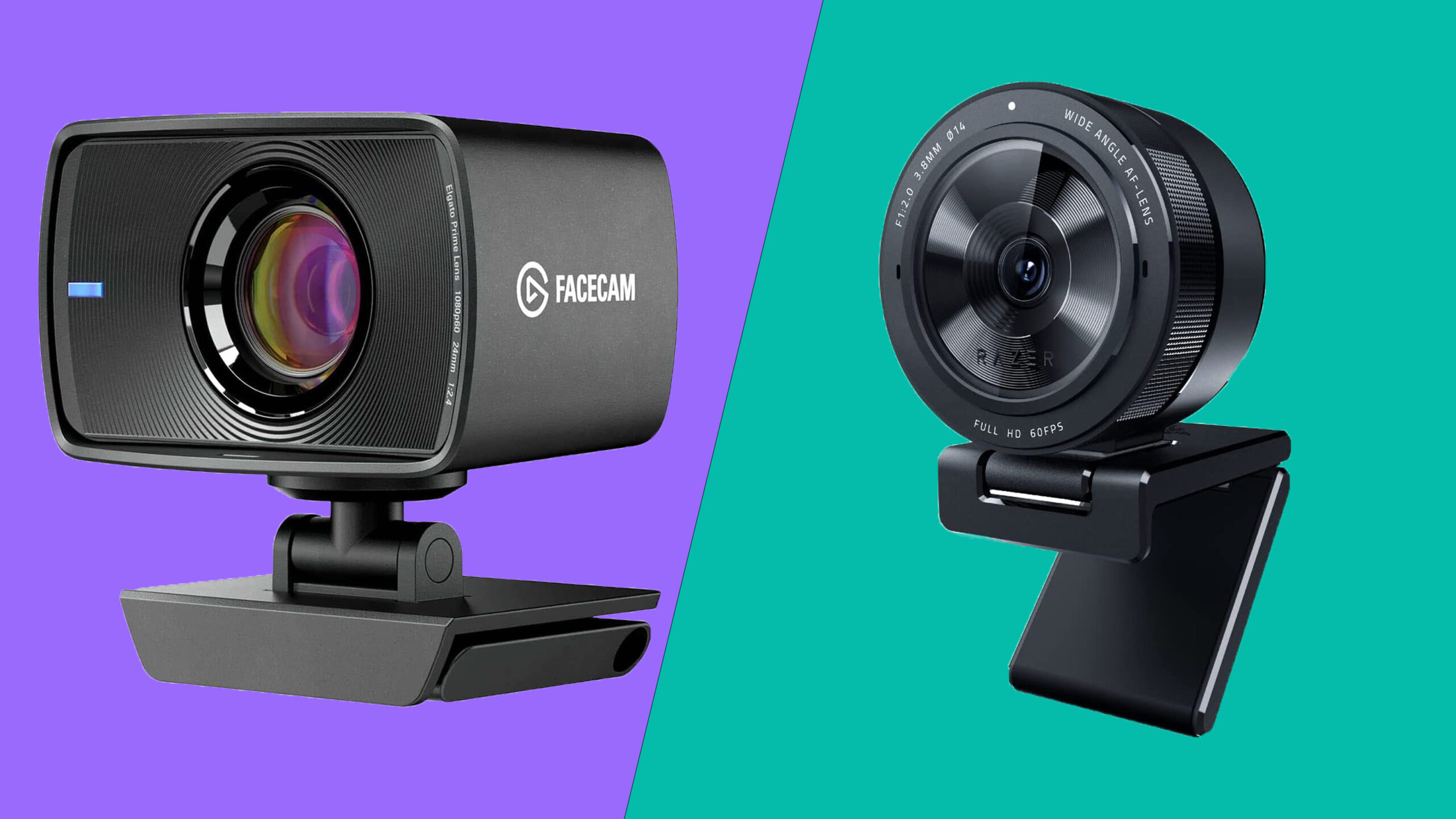
Three premium webcams lead the market: the streamlined Elgato Facecam MK2, the versatile Logitech Brio 4K, and the large-sensor Razer Kiyo Pro Ultra.
This comprehensive guide analyzes their technical specifications, light handling, customization software, and overall performance to help you select the ideal camera for your configuration.
1. Elgato Facecam MK2: The Uncompressed 1080p60 Speedmaster
PROS: Zero-latency uncompressed 1080p at 60 FPS, onboard flash memory saves hardware profiles, low-profile sturdy mount, useful 120 FPS high-frame-rate options.
CONS: Native resolution maxes out at 1080p; lacks a built-in microphone.
Uncompressed 1080p60 Video Pipeline
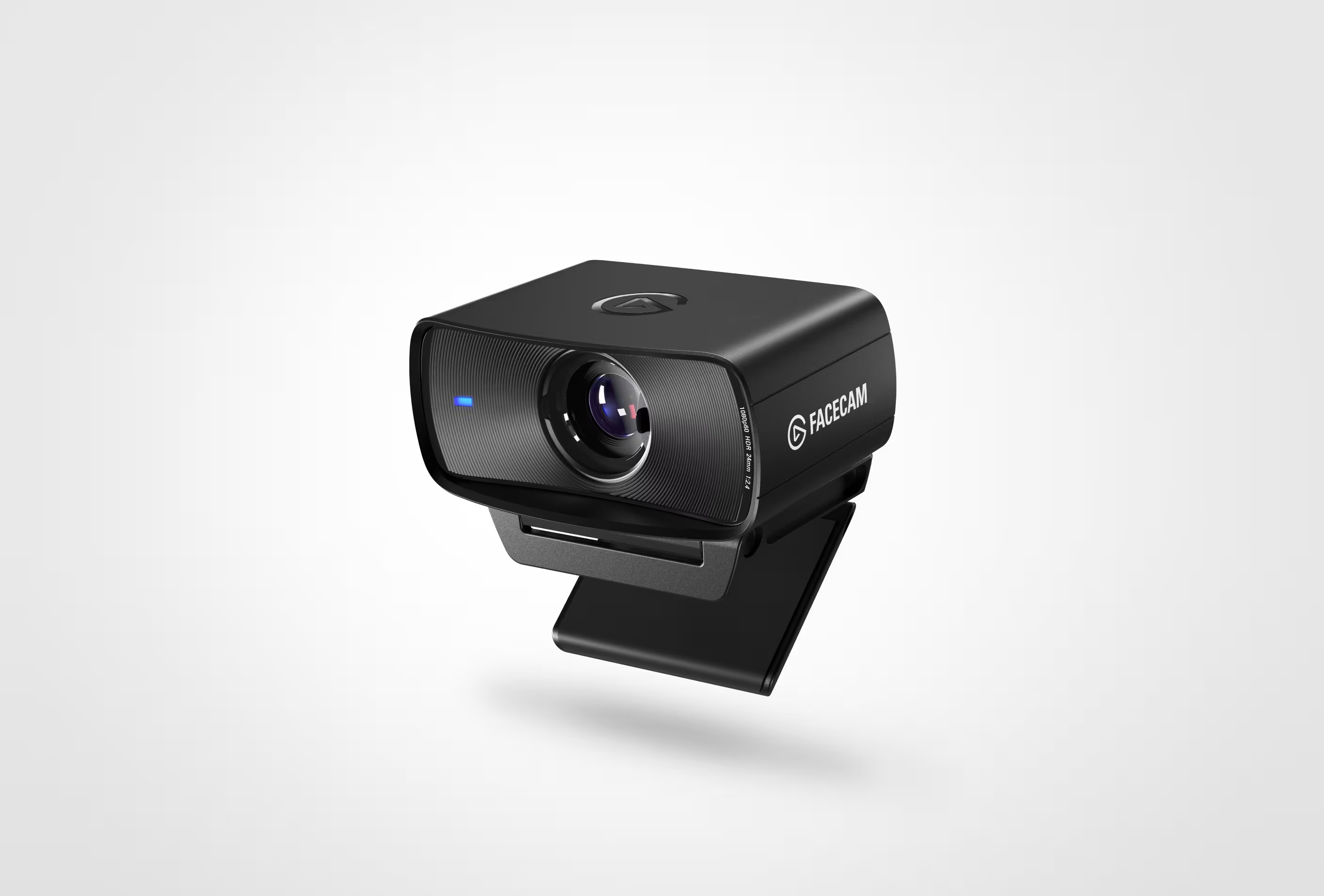
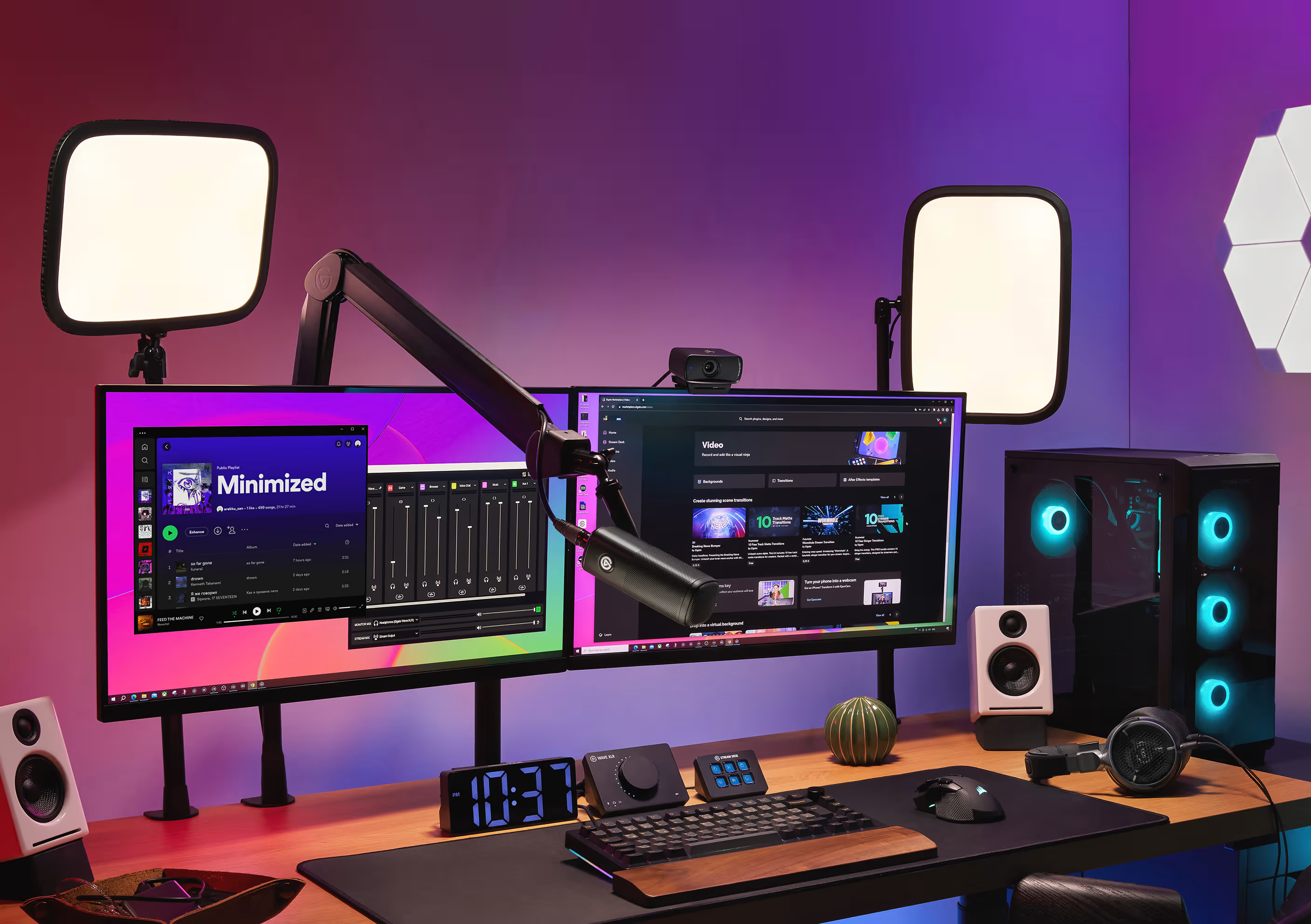
The Elgato Facecam MK2 is built specifically for streamers who prioritize smooth, latency-free movement over high pixel counts. While many webcams compress their video feed over USB, the Facecam MK.2 outputs uncompressed 1080p video at a smooth 60 FPS. This eliminates digital artifacts and keeps your camera feed tightly synchronized with your gameplay, avoiding any noticeable delay.
Premium Optics and High-Speed Frame Rates
Equipped with an f/2.4 custom Elgato Prime Lens and a 1/2.5″ Sony STARVIS CMOS sensor, this camera captures accurate colors and balanced tones. If you use head-tracking hardware or want a fluid camera response, the Facecam MK.2 can toggle down to 720p or 540p resolution at an impressive 120 FPS. It also includes hardware-level HDR (High Dynamic Range) processing at 1080p60, allowing it to balance bright monitor glow and dark background shadows without overexposing your face.
💡 Pro-Tip for Creators: The Facecam MK.2 features a fixed-focus lens set between 30 cm and 120 cm. This ensures you stay perfectly sharp while moving around in your chair, preventing the camera from accidentally searching for focus if you hold up an item.
Onboard Hardware Profiles and Camera Hub Control
Elgato’s Camera Hub software offers granular control over your image settings, functioning similarly to a DSLR menu. You can adjust:
- Manual ISO and Shutter Speed
- White Balance Color Temperature
- Digital Zoom, Pan, and Tilt
- Contrast, Saturation, and Sharpness
The webcam features integrated onboard flash memory. Once you dial in your perfect exposure settings inside Camera Hub, the configuration saves directly onto the hardware. This means your custom image profile remains intact even if you plug the camera into a different computer or stream via OBS Studio on a dual-PC setup.
2. Logitech Brio 4K: The Versatile Ultra-HD Benchmark
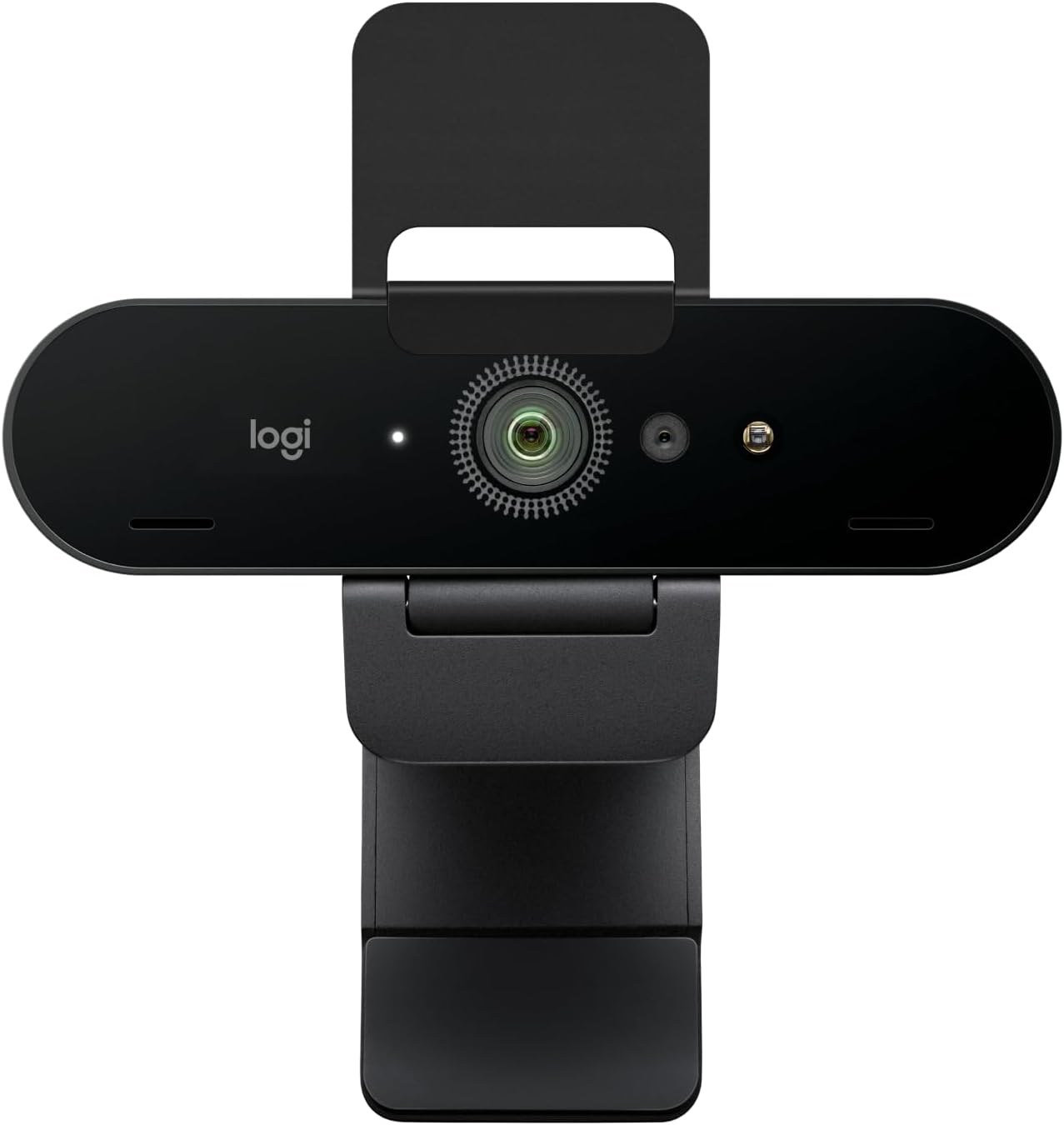
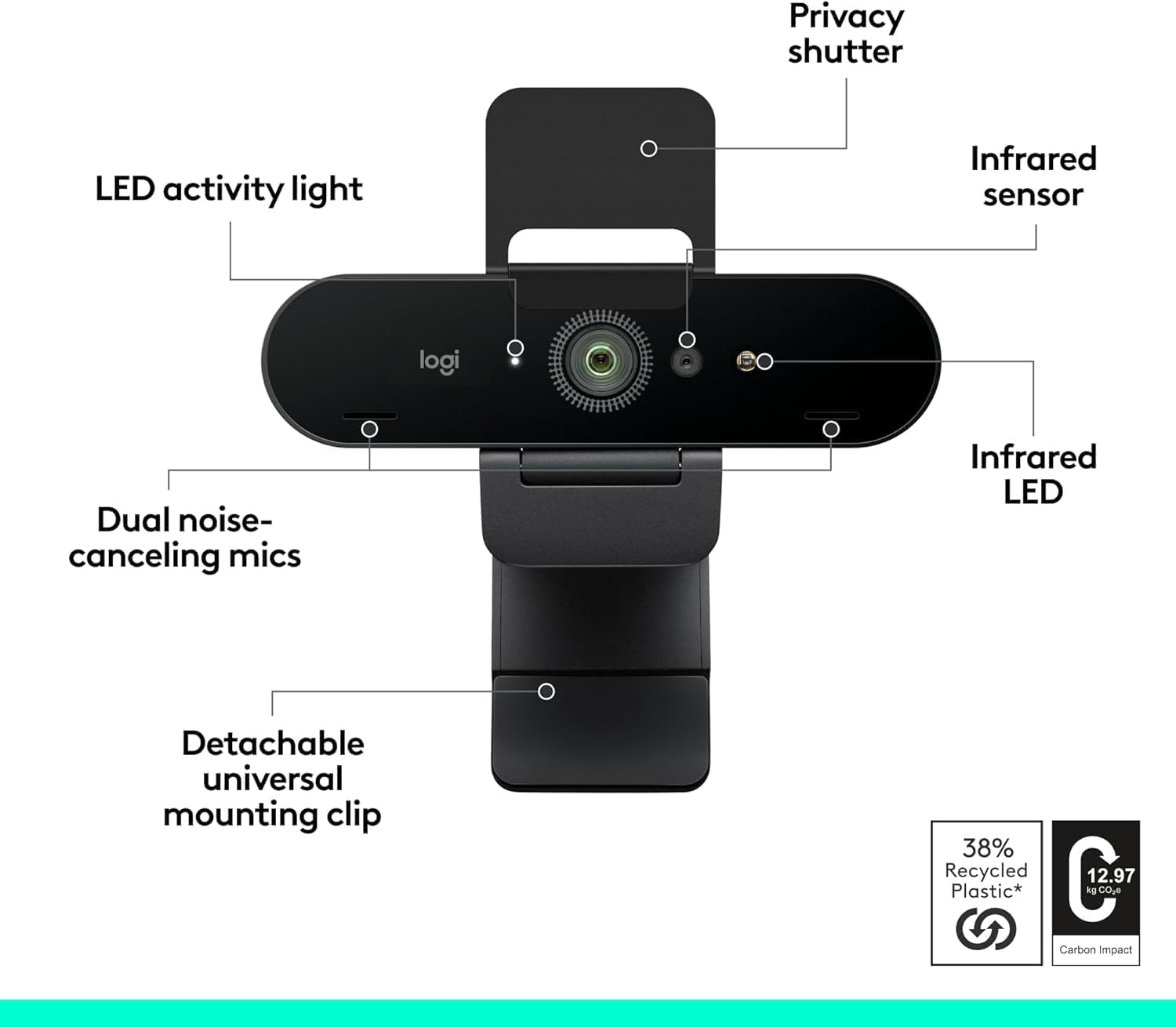
PROS: Sharp Ultra-HD 4K resolution, three selectable diagonal fields of view, reliable auto-focus, integrated Windows Hello infrared security.
CONS: Factory color balance can skew cool; software adjustments are required for optimal performance in low-light environments.
Ultra-HD 4K Resolution
The Logitech Brio 4K remains a popular standard for creators who want high pixel density and multi-purpose versatility. Recording at a native 4K Ultra HD resolution (3840 x 2160) at 30 FPS, or 1080p at a smooth 60 FPS, the Brio captures fine details clearly. This high resolution allows you to crop or zoom in on your video frame during live broadcasts without degrading the image into blurry pixels.
Dynamic Light Correction and Variable FOV
Powered by Logitech’s RightLight 3 technology with automated HDR processing, the Brio 4K adjusts to uneven lighting conditions. Whether you are sitting in front of a bright window or streaming in a dimly lit room with soft LED accents, the camera balances the exposure to avoid washing out your skin tones.
The Brio 4K also offers flexibility in how you frame your space, featuring three selectable fields of view (FOV) via Logi Tune software:
- 65 Degrees: A tight crop that isolates your face and minimizes background clutter.
- 78 Degrees: A balanced frame that shows your head and shoulders naturally.
- 90 Degrees: A wide-angle view ideal for displaying your entire desk setup or a dual-person podcast.
Clean Aesthetics and Smart Security Integration
The Brio 4K features a compact, sleek design that mounts easily onto thin displays or standard tripods. It includes an optical infrared sensor compatible with Windows Hello, allowing you to log into your operating system securely using facial recognition. Dual omnidirectional microphones with integrated noise-canceling technology provide clear audio backup if your primary standalone microphone ever encounters issues.
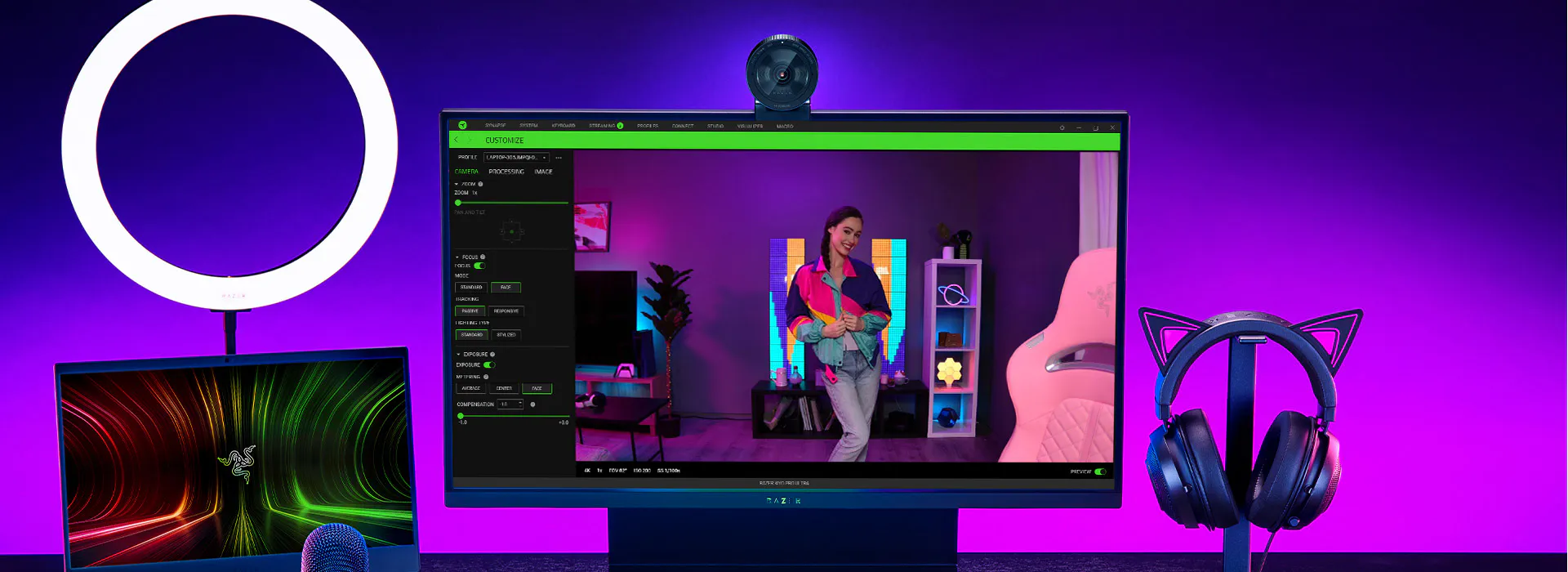
3. Razer Kiyo Pro Ultra: The DSLR-Grade Low-Light Masterpiece
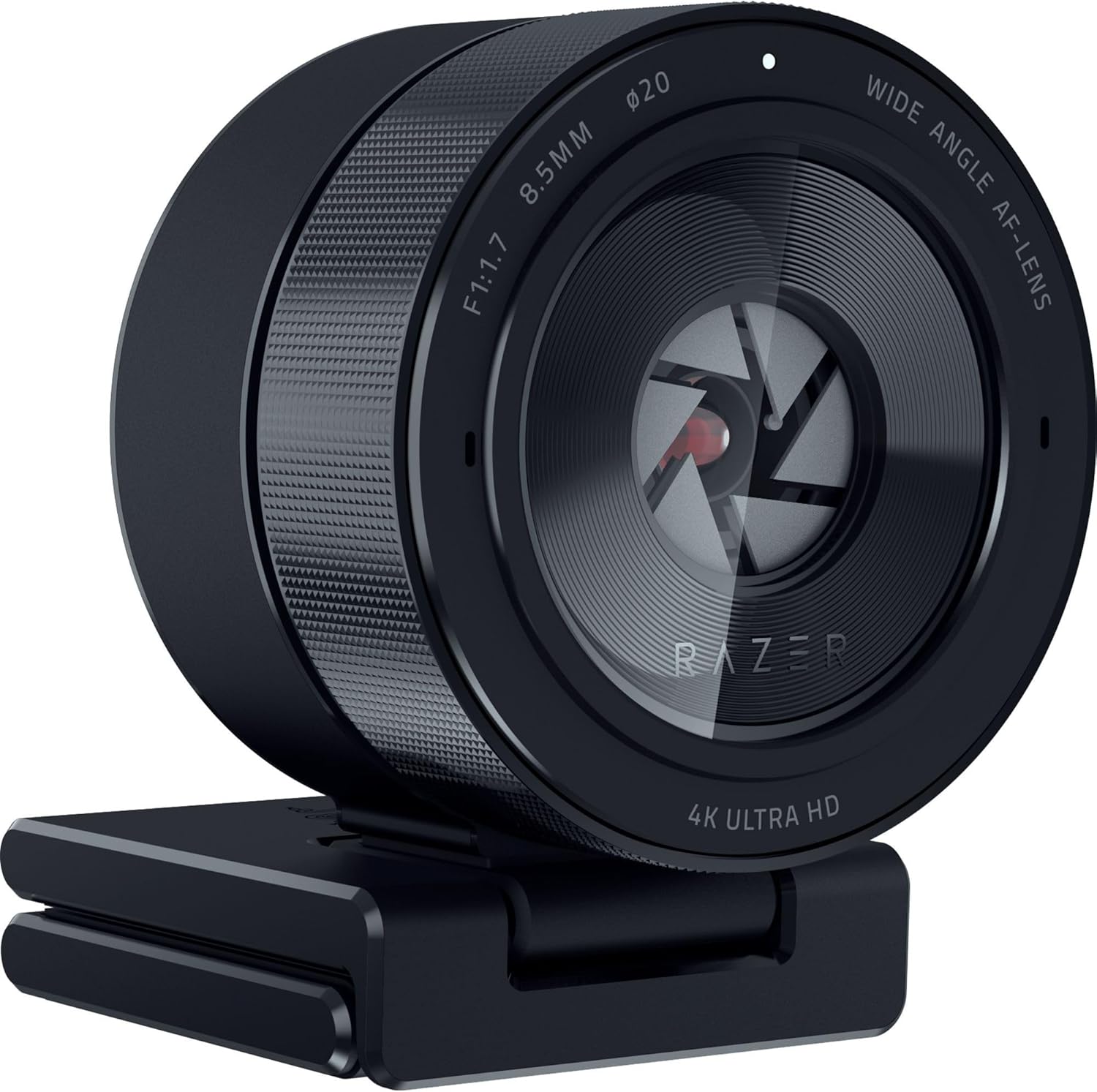
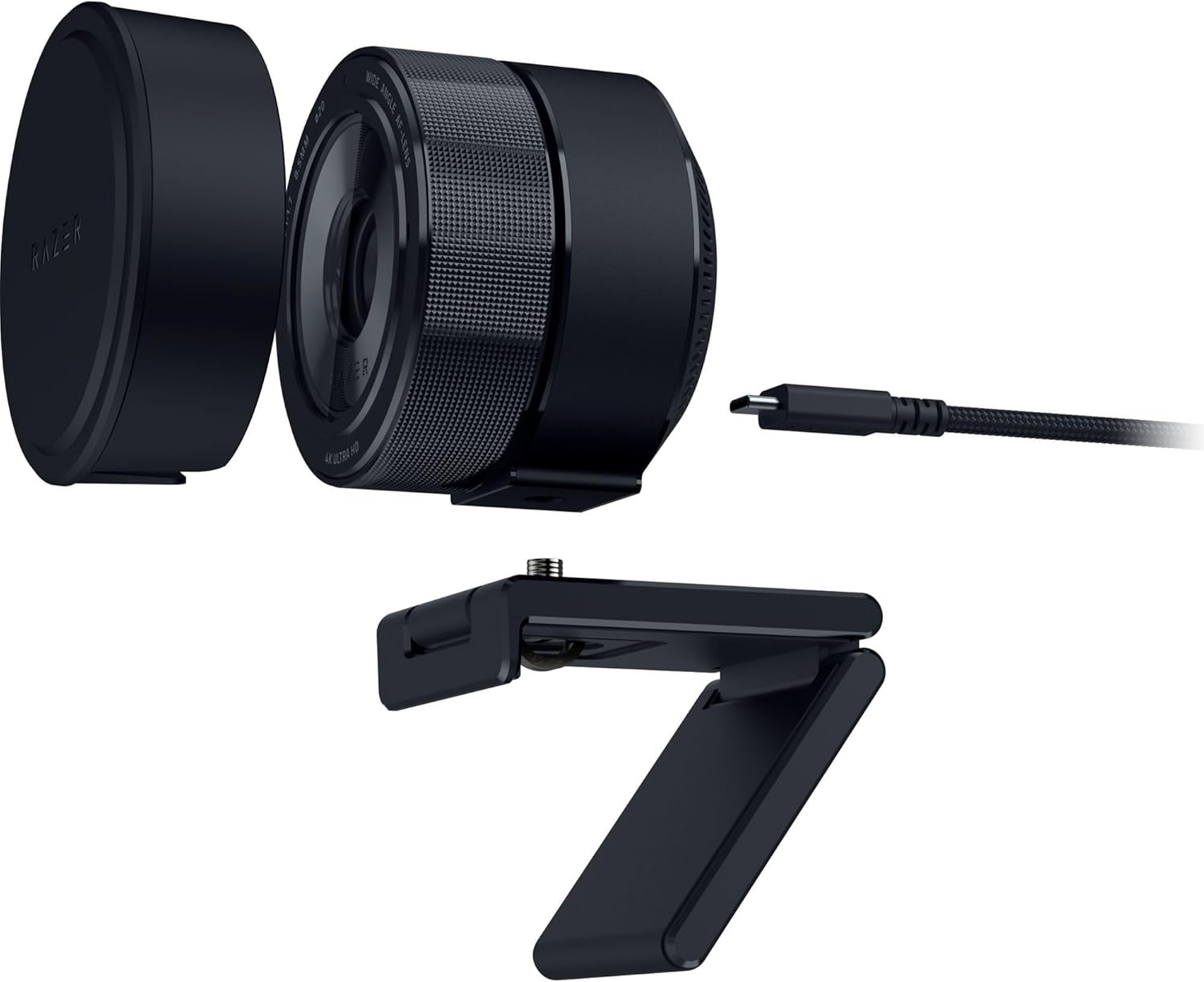
PROS: Massive 1/1.2” Sony STARVIS 2 sensor, wide f/1.7 aperture for a natural bokeh blur, uncompressed 4K unscaled fidelity, excellent low-light capability.
CONS: Premium enthusiast price point; large physical chassis can crowd smaller monitors.
The Largest Sensor Ever in a Webcam
The Razer Kiyo Pro Ultra is designed for creators who want DSLR-like video quality without the complexity of an expensive mirrorless camera setup. The centerpiece of this camera is its massive 1/1.2-inch Sony STARVIS 2 sensor, which is nearly four times larger than standard webcam sensors. Paired with a wide f/1.7 aperture lens, the Kiyo Pro Ultra captures 3.9 times more light than conventional cameras, making it a powerful option for managing dark or uneven room lighting.
Natural Optical Blur and Uncompressed 4K
Because it combines a large sensor with a wide aperture, the Kiyo Pro Ultra produces a natural optical bokeh background blur. Instead of relying on glitchy software filters to artificial blur your background, this webcam naturally softens your room accents while keeping your face sharp, creating a professional look.
The camera handles high-bandwidth data effortlessly, outputting uncompressed 4K resolution at 30 FPS or 1080p at 60 FPS with rich color accuracy and sharp clarity.
💡 Cozy Gaming Advantage: The Kiyo Pro Ultra excels in low-light environments. If you prefer streaming with soft ambient lighting, a single desk lamp, or neon signs, this sensor captures clean video without introducing digital noise or grain.
AI-Powered Tracking and Hardware Customization
The Kiyo Pro Ultra uses an AI-powered autofocus system that tracks your face smoothly, adjusting the focus and exposure in real-time as you move. Through the Razer Synapse software suite, advanced creators can access manual adjustments for ISO, shutter speed, manual focus mapping, and custom color matrices.
The physical chassis includes a manual, twisting built-in privacy shutter integrated into the lens rim. A quick turn blocks the lens completely, providing a straightforward way to protect your privacy.
Premium Streaming Webcam Comparison
Elgato Facecam MK2 vs. Logitech Brio 4K vs. Razer Kiyo Pro Ultra
| Core Metric | Elgato Facecam MK2 | Logitech Brio 4K | Razer Kiyo Pro Ultra |
|---|---|---|---|
| Max Video Output | 1080p @ 60 FPS (Uncompressed YUY2 Raw) |
4K Ultra HD @ 30 FPS 1080p @ 60 FPS |
4K Ultra HD @ 30 FPS 1080p @ 60 FPS (Uncompressed) |
| Optical Sensor Type | 1/2.5″ Sony STARVIS CMOS | 1/3″ Custom Digital Sensor | 1/1.2″ Sony STARVIS 2 |
| Lens Aperture / Focus | f/2.4 Aperture Fixed Focus |
f/2.0 Aperture Autofocus |
f/1.7 Aperture AI Autofocus / Face Track |
| Low Light Performance | Standard Smart Correction | RightLight 3 Optimization | Excellent (2.9 μm Large Pixel Scale) |
| Field of View (FOV) | Diagonal 84° / Horizontal 74° | Adjustable: 65°, 78°, or 90° | Adjustable: 72° to 82° |
| High-Frame-Rate Mode | 720p / 540p @ 120 FPS | 1080p @ 60 FPS Max | 1080p @ 60 FPS Max |
| Onboard Flash Memory | Yes (Saves hardware tuning settings) | No (Saves to desktop app) | Yes (Saves to Razer Synapse profile) |
| Privacy Shutter | Integrated Slide-to-Cover Shutter | Attachable Plastic Flap | Twistable Mechanical Dial Shutter |
| OS Software Compatibility | Windows 10/11 macOS 12+ | Windows 10/11 macOS 10.12+ |
Windows 10/11
macOS* *Synapse is Windows only. |
Which Webcam Suits Your Setup Best?
- For the Fast-Paced, Low-Latency Streamer (Elgato Facecam MK2): If your stream focus relies on fast, high-frame-rate movement, and you want uncompressed 1080p60 speed that saves settings directly to the device, the Facecam MK.2 is an efficient, reliable tool.
- For the Versatile Multi-Purpose Content Creator (Logitech Brio 4K): If you need a reliable 4K camera for high-resolution video production, standard business calls, and adjustable fields of view, the Brio 4K provides a versatile option.
- For the Ultimate Aesthetic Setup (Razer Kiyo Pro Ultra): If you want to achieve professional DSLR-like image depth, soft natural background blur, and excellent performance in low-light environments, the Razer Kiyo Pro Ultra is a top-tier premium webcam choice.