
Capture cards for your streaming
In live streaming, digital content creation, and casual gaming, your capture card serves as the bridge between your gameplay and your audience. Whether you are broadcasting high-stakes competitive matches from a dual-PC setup, capturing next-generation console gameplay, or curating a relaxing, high-quality “cozy gaming” experience on Twitch or YouTube, a reliable capture pipeline is vital. Subpar cards introduce compression artifacts, visual lag, or downscaled frame rates that disrupt your stream.
Elgato dominates this space with hardware tailored to specific configurations. This comprehensive guide details the internal Elgato 4K Pro, the streamlined Game Capture Neo, the high-bandwidth Elgato 4K X, and the dependable Elgato 4K S.
We analyze their technical specifications, passthrough capabilities, operating system compatibility, and performance features to help you select the ideal centerpiece for your stream setup.
1. Elgato 4K Pro: The High-End Internal PCIe Standard

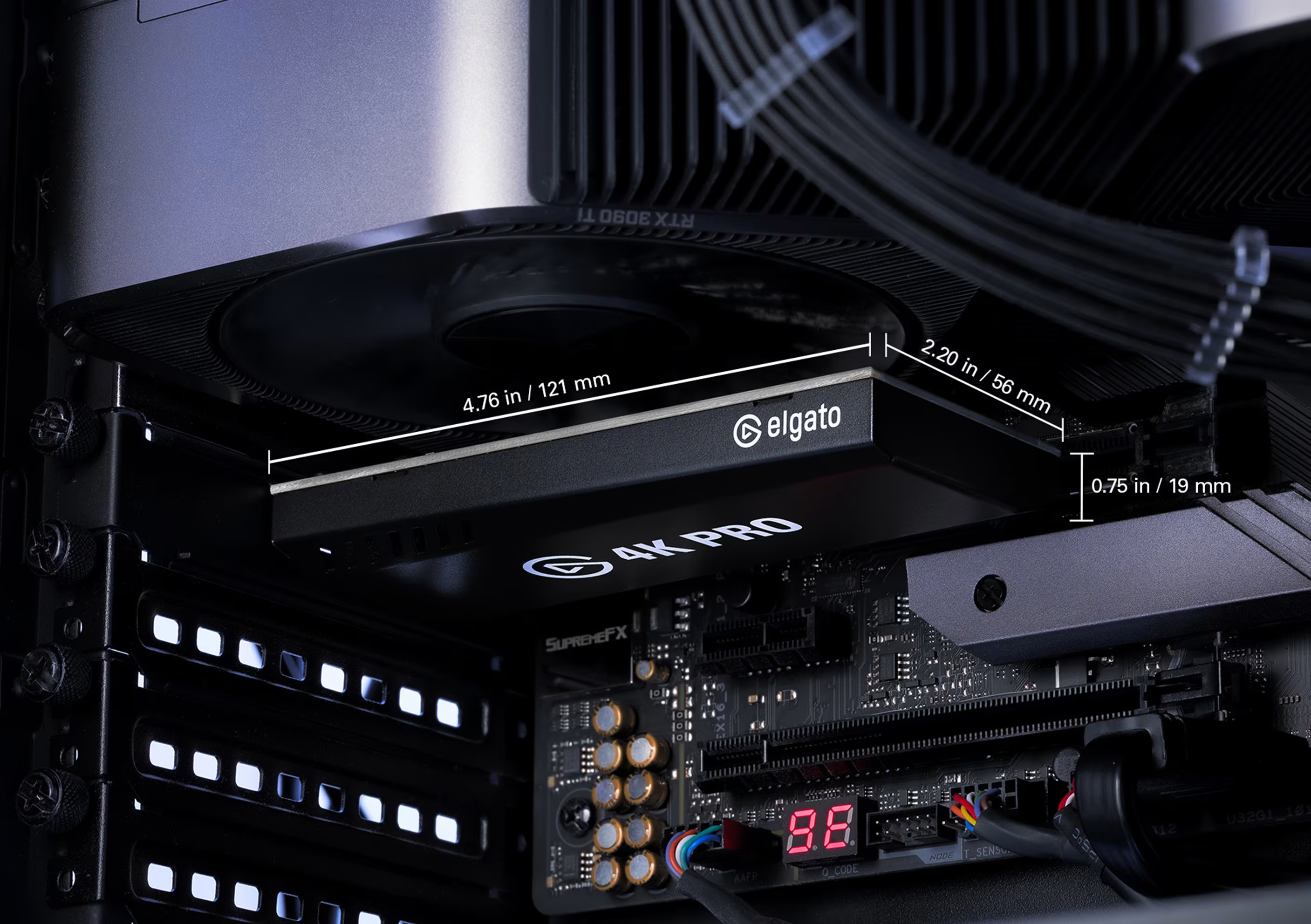
PROS: Zero-latency internal PCIe connection, 4K60 capture with ultra-smooth 240Hz passthrough, Variable Refresh Rate (VRR) support, excellent for Dual-PC layouts.
CONS: Requires an open PCIe x4/x16 slot on a desktop motherboard; incompatible with laptops or handheld consoles without bulky enclosures.
Zero-Latency PCIe Architecture
The Elgato 4K Pro is a high-performance internal capture card designed for desktop power users and dedicated dual-PC streaming setups. By plugging directly into a motherboard’s PCIe 2.0 x4 slot, it bypasses the bandwidth limitations and occasional driver overhead of external USB cables, offering a near-zero-latency feed straight into OBS Studio or Streamlabs.
Multi-Stream Link and High Frame Rate Passthrough
The internal architecture enables Multi-Stream Link technology, allowing you to route your capture feed into multiple software programs simultaneously (e.g., streaming via OBS while recording raw uncompressed footages in Elgato’s 4K Capture Utility).
The 4K Pro excels at high-refresh-rate management, supporting up to 4K at 144Hz or 1080p at 240Hz passthrough. This ensures that while your stream views a smooth 1080p60 or 4K60 broadcast, your gaming monitor retains its fast response times and high frame rates for competitive gameplay.
Native VRR and HDR10 Tone Mapping
Equipped with full Variable Refresh Rate (VRR) passthrough, the 4K Pro prevents screen tearing when synced with G-Sync or FreeSync monitors. It features hardware-level HDR10 (High Dynamic Range) tone mapping, capturing rich colors and balanced exposure profiles without putting extra processing load on your streaming computer’s CPU.
2. Game Capture Neo: The Compact, Minimalist Lifestyle Companion
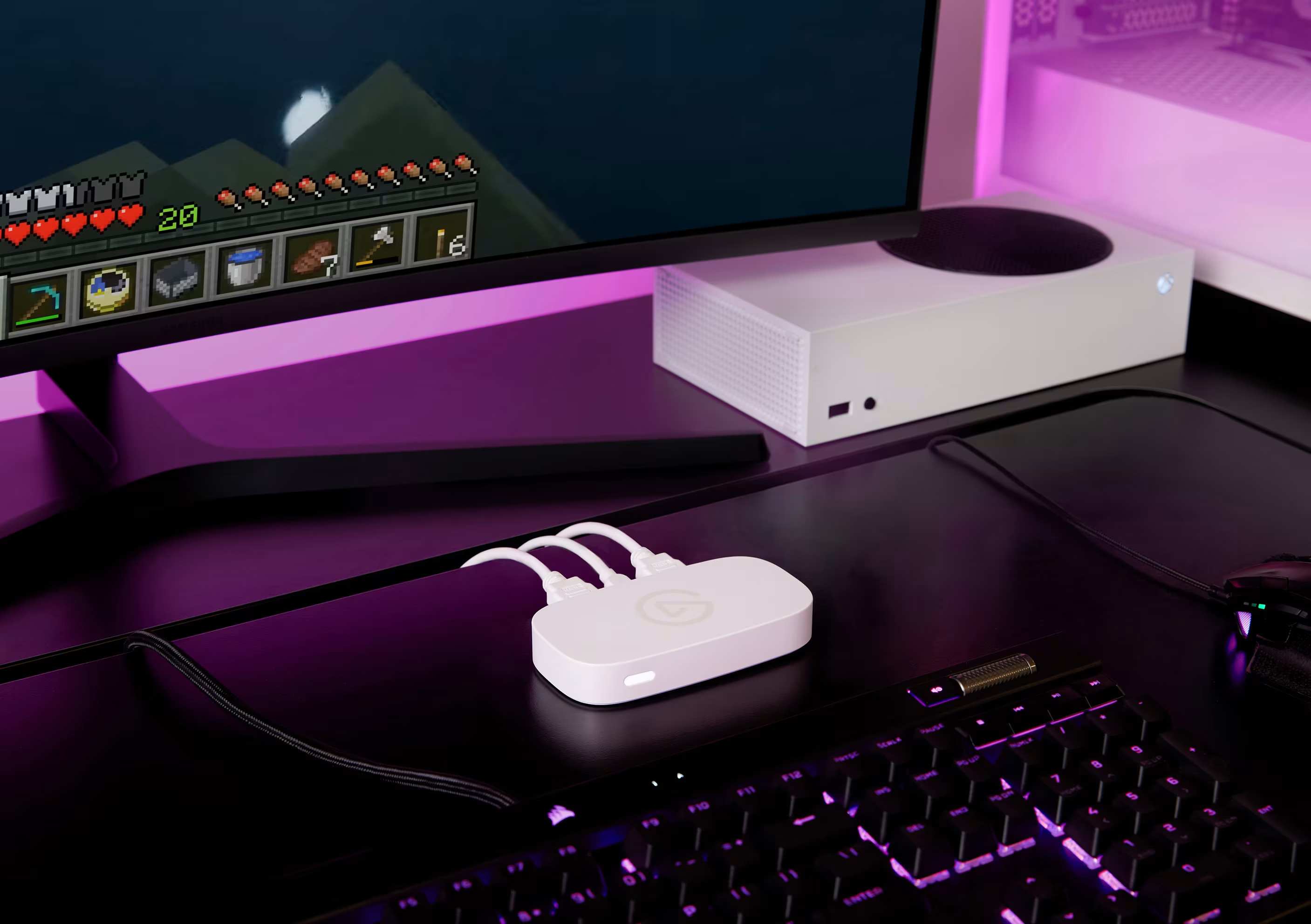
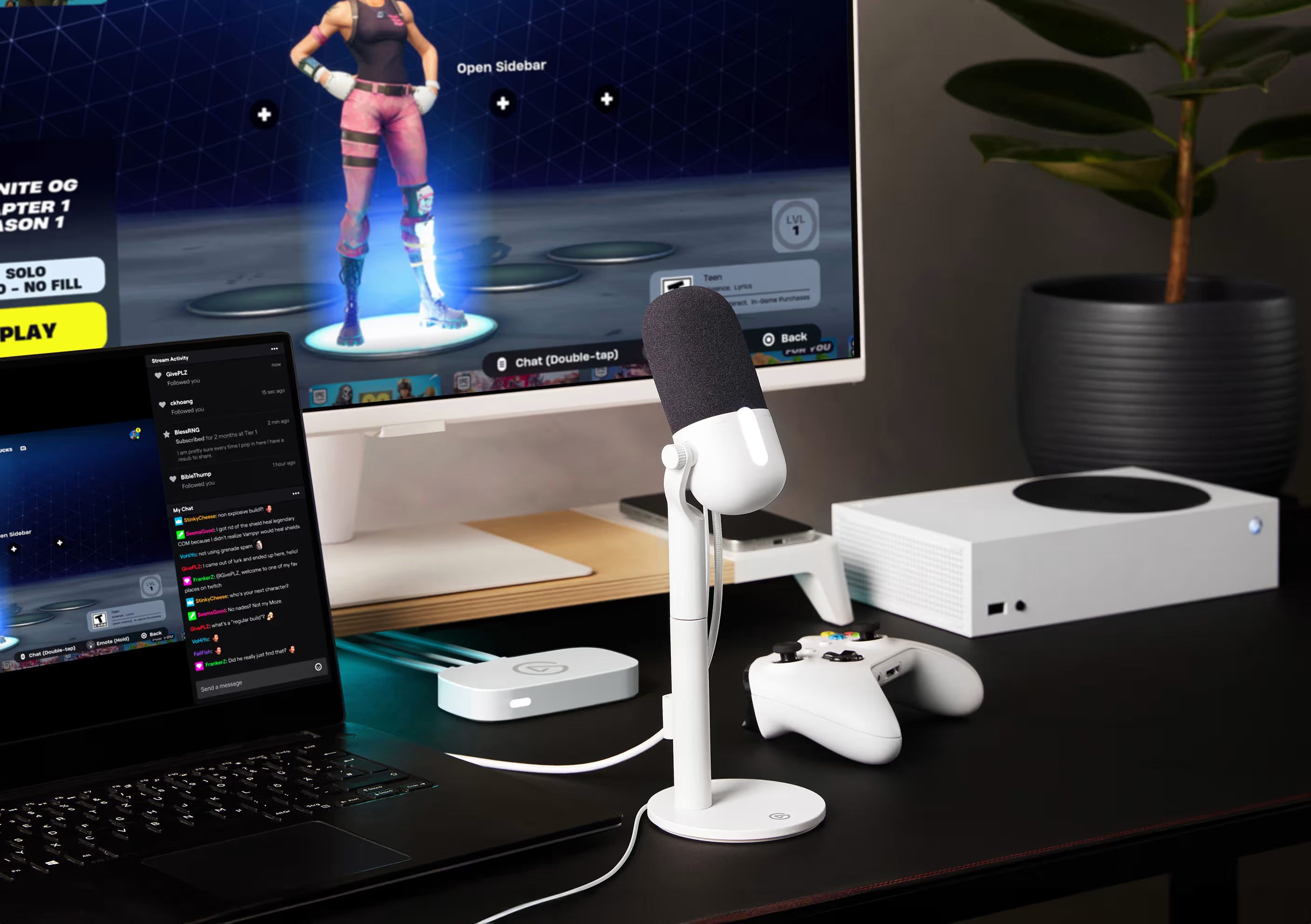
PROS: Sleek plug-and-play profile, true 4K60 HDR zero-lag passthrough, iPad/Laptop compatible, matches clean aesthetic styles perfectly.
CONS: Recording and streaming outputs are capped at 1080p60 resolution; lacks high-refresh-rate VRR support.
Clean Aesthetics for Cozy Gaming
The Elgato Game Capture Neo approaches content creation with a clean, lifestyle-oriented design. Part of Elgato’s Neo ecosystem, this external card replaces industrial designs with a soft white, rounded chassis that fits naturally into minimalist, pastel, or cozy gaming environments.
Optimized 1080p60 Stream Pipeline
The Game Capture Neo balances ease of use with quality. It features a straightforward plug-and-play USB-C connection that requires no proprietary drivers to operate on Windows, macOS, or iPadOS.
The card supports 4K60 HDR passthrough, allowing you to play games on a PlayStation 5, Xbox Series X, or Nintendo Switch in sharp Ultra-HD detail while outputting a well-optimized 1080p at 60 FPS video stream directly to your broadcast software.
💡 Cozy Setup Tip: The Neo is an excellent choice for cozy Nintendo Switch or iPad streamers. Its low-profile design sits quietly on your desk, and its driverless setup makes it easy to broadcast games like Animal Crossing or Stardew Valley with minimal configuration.
3. Elgato 4K X: The Next-Gen Ultra-High-Bandwidth Flagship
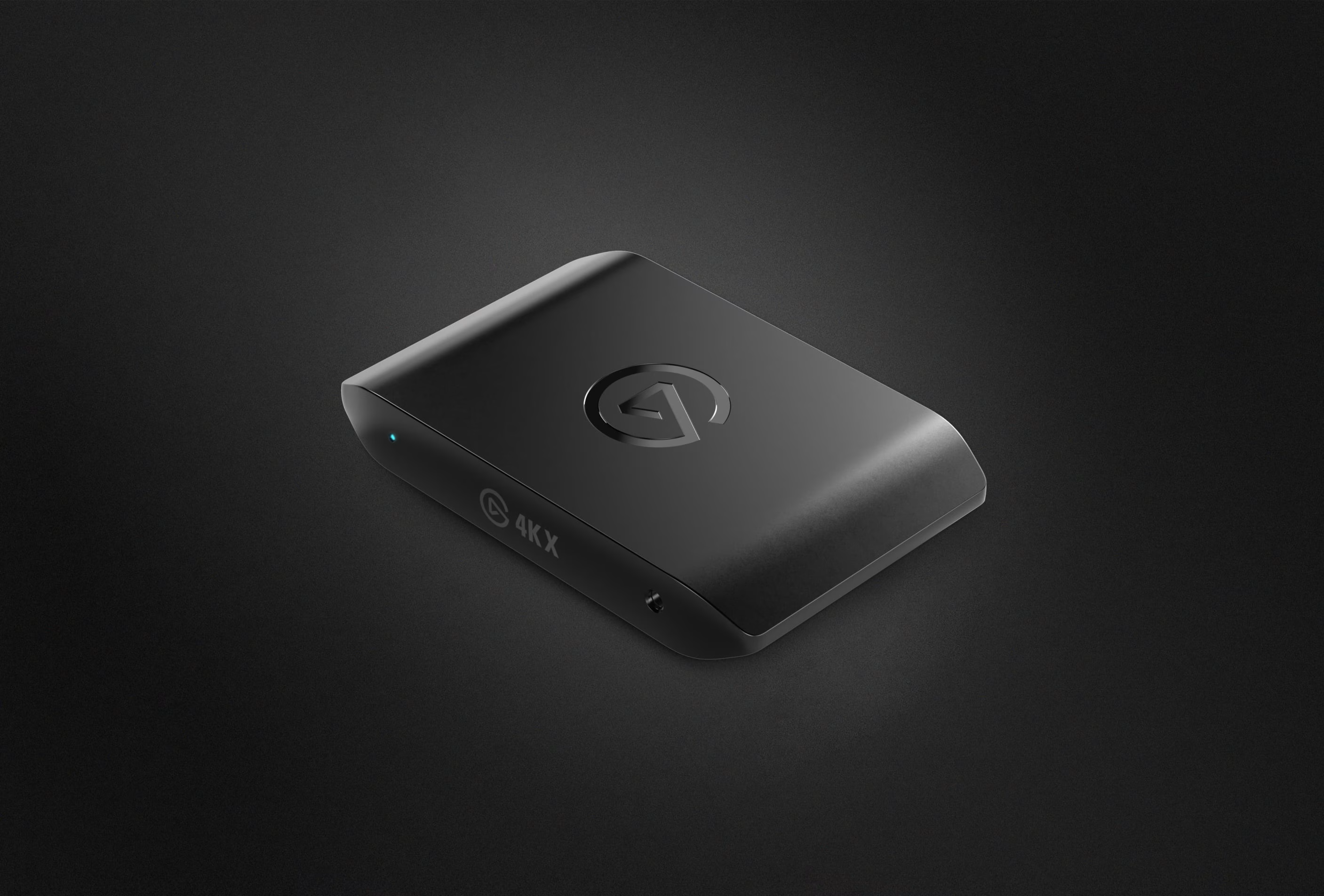
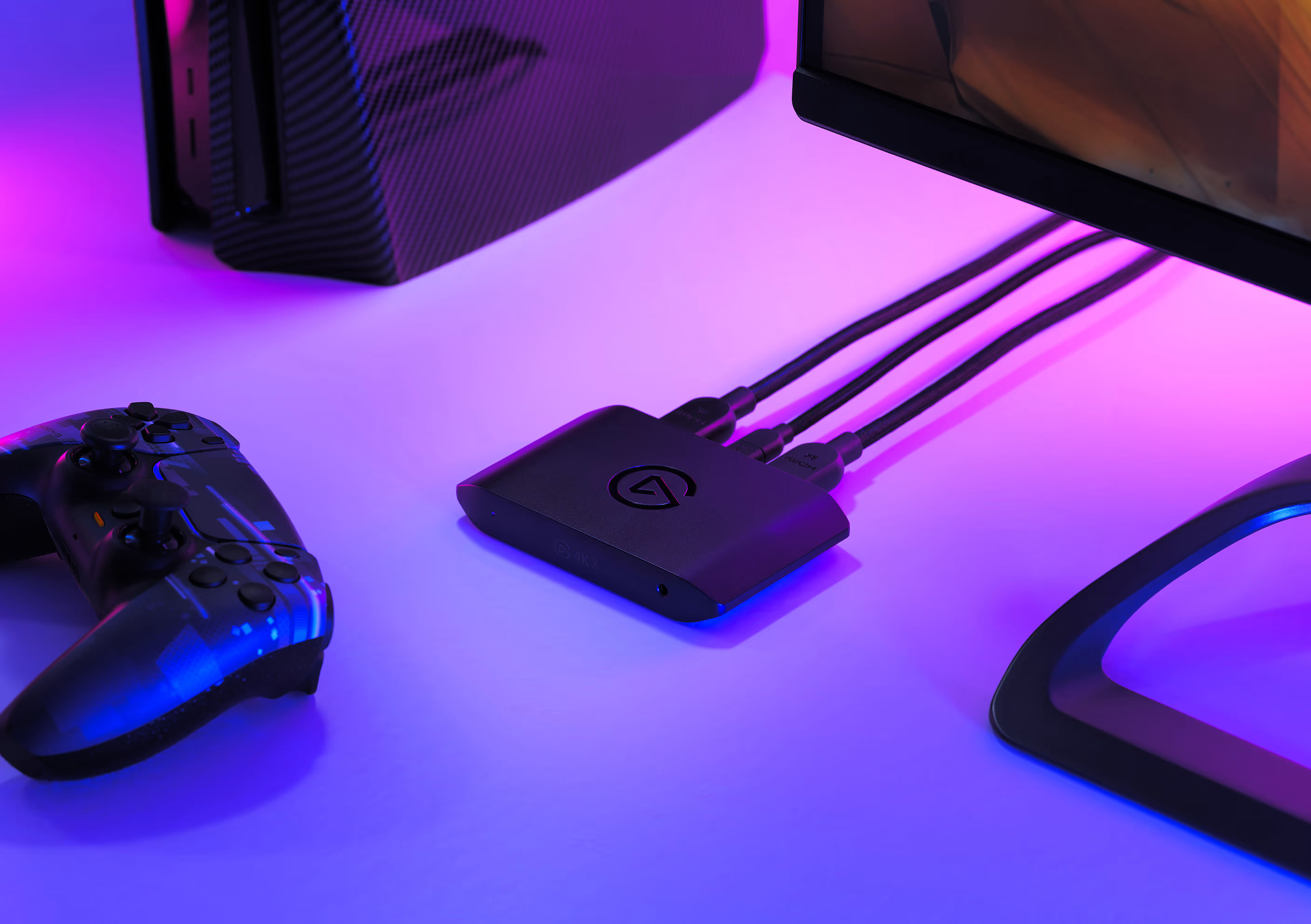
PROS: High-speed USB 3.2 Gen 2 connectivity, full HDMI 2.1 input and output ports, captures up to 4K at 144 FPS, broad native macOS support.
CONS: Demands a high-speed 10 Gbps USB port to unlock maximum capture settings; premium enthusiast pricing.
HDMI 2.1 and 10 Gbps USB-C Data Transfer
The Elgato 4K X is a powerful external capture card featuring full HDMI 2.1 input and output arrays. Utilizing a high-speed USB 3.2 Gen 2 connection operating at 10 Gbps, this pocket-sized device moves large amounts of uncompressed video data with ease, making it a robust companion for both high-end desktop rigs and portable MacBook streaming environments.
High-Fidelity 4K144 Recording
The 4K X handles high resolutions effortlessly, capturing raw gameplay footage at up to 4K resolution at 144 FPS or 1440p at 240 FPS. This allows you to archive your gaming sessions with crisp detail.
The HDMI 2.1 pass-through matches these specifications, allowing enthusiast console gamers to play at full 4K144 resolution with active Variable Refresh Rate (VRR) and HDR10 colors enabled, without compromising their display’s performance.
💡 Pro-Tip for Mac Creators: Unlike older capture hardware that required complex software workarounds on macOS, the 4K X operates as a native UVC-compliant device. It delivers plug-and-play high-resolution streaming directly to Apple Silicon Macs over Thunderbolt or USB4 ports.
4. Elgato 4K S: The Dependable USB External Benchmark
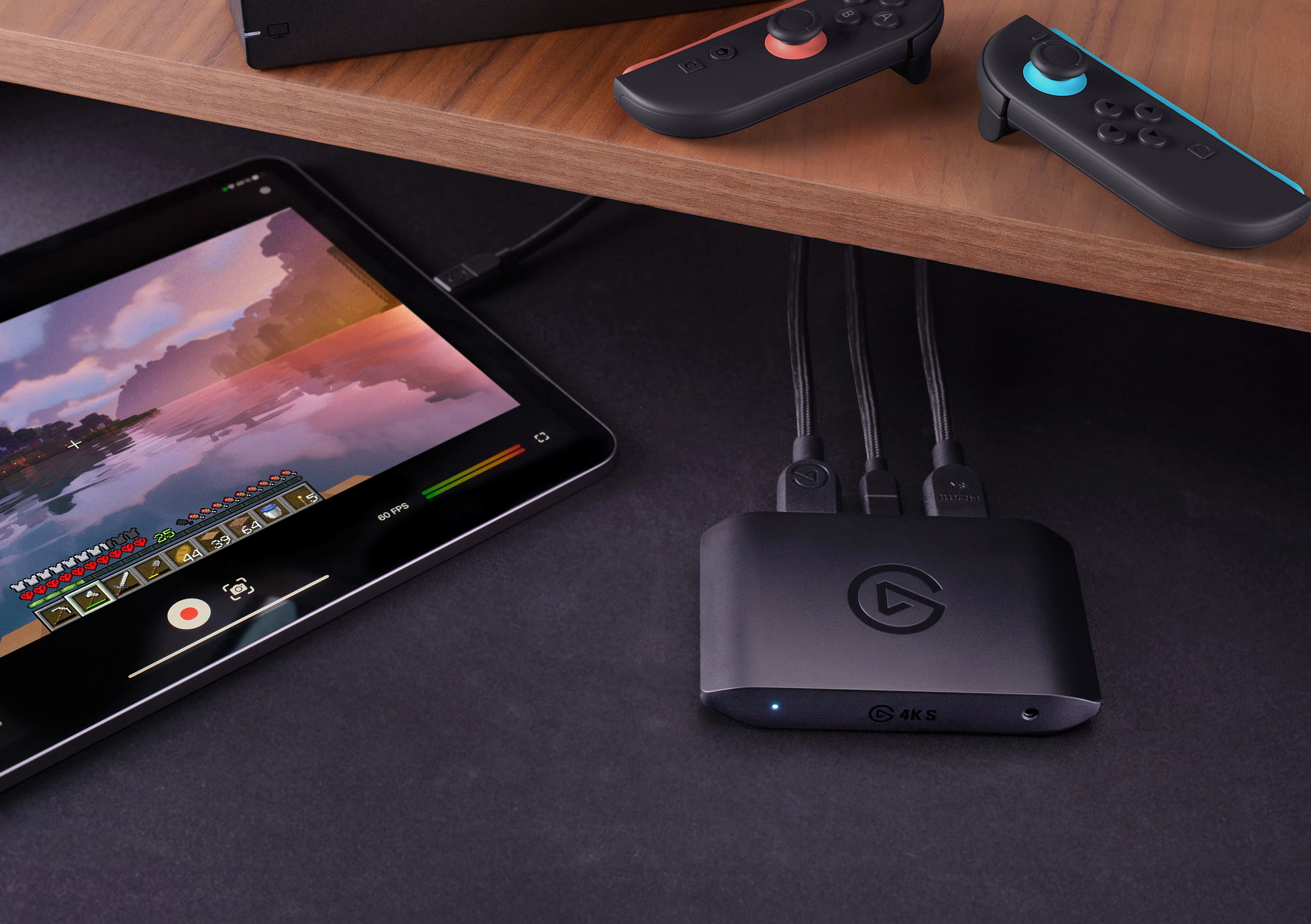
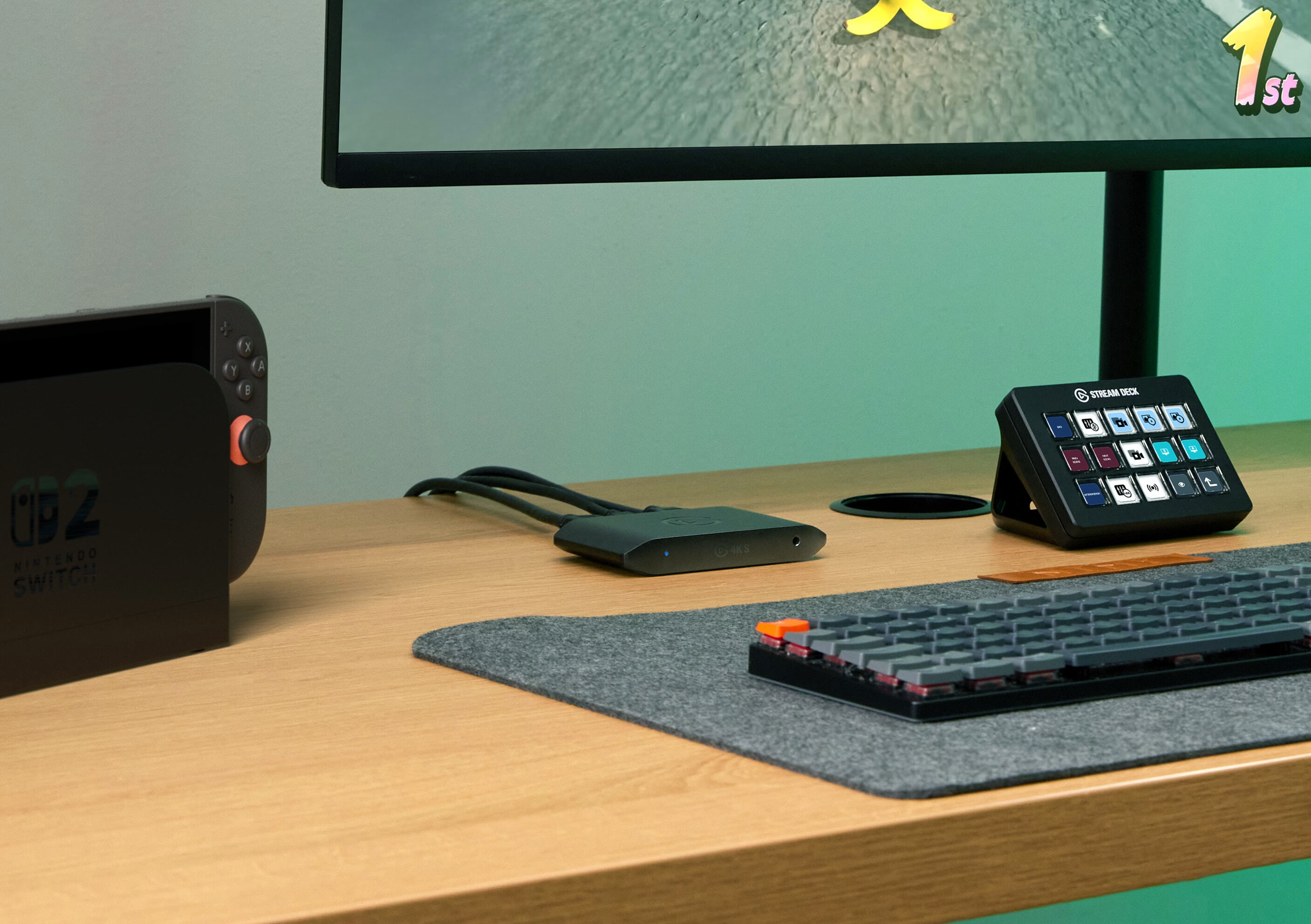
PROS: Reliable USB 3.0 configuration, sharp 4K30 and 1080p60 capture capabilities, low power consumption, sturdy build.
CONS: Limited to 4K30 for recording; does not support HDMI 2.1 or high-refresh VRR passthrough.
Dependable Desktop Streaming Performance
The Elgato 4K S functions as a reliable external solution for creators who want sharp image quality without needing an open PCIe slot or a high-bandwidth USB 3.2 Gen 2 port. Operating over standard USB 3.0 protocols, it provides a stable video connection for traditional console and PC gaming setups.
Balanced 4K Passthrough and Capture
The 4K S supports 4K at 60 FPS HDR passthrough, allowing you to experience high-resolution console gaming exactly as intended. For recording and broadcasting, the card captures crisp video up to 4K at 30 FPS or a smooth 1080p at 60 FPS, ensuring your stream remains fluid and clear on Twitch, YouTube, or Kick.
Clean Integration with Streaming Software
Built to integrate smoothly into your creative workflow, the 4K S offers broad compatibility with platforms like OBS Studio, vMix, and XSplit. Its durable, compact housing is easy to pack into a laptop bag, making it a practical option for traveling content creators or event broadcasters who need a reliable, portable capture card.
Premium Elgato Capture Card Comparison
4K Pro vs. Game Capture Neo vs. 4K X vs. 4K S
| Core Metric | Elgato 4K Pro | Game Capture Neo | Elgato 4K X | Elgato 4K S |
|---|---|---|---|---|
| Form Factor | Internal PCIe Card | External USB-C | External USB-C | External USB-C |
| Hardware Interface | PCIe 2.0 x4 Connection | USB 2.0 (Type-C Connection) | USB 3.2 Gen 2 (10 Gbps) | USB 3.0 Connection |
| Max Capture Quality | 4K @ 60 FPS 1080p @ 240 FPS |
1080p @ 60 FPS | 4K @ 144 FPS 1440p @ 240 FPS |
4K @ 30 FPS 1080p @ 60 FPS |
| Max Passthrough | 4K @ 144 FPS 1080p @ 240 FPS |
4K @ 60 FPS (HDR) | 4K @ 144 FPS 1080p @ 240 FPS |
4K @ 60 FPS (HDR) |
| HDMI Port Version | HDMI 2.0 In / Out | HDMI 2.0 In / Out | HDMI 2.1 In / Out | HDMI 2.0 In / Out |
| VRR & HDR10 Support | Yes (Variable Refresh Rate) | Pass-through Only (No VRR) | Yes (Full VRR / HDR10) | Pass-through Only (No VRR) |
| Console Compatibility |
PS5 / PS4 Xbox Series X/S Switch iPad Pro |
PS5 / PS4 Xbox Series X/S Switch iPad Pro (USB-C) |
PS5 / PS4 Xbox Series X/S Switch iPad Pro (USB-C) |
PS5 / PS4 Xbox Series X/S Switch iPad Pro |
| OS Compatibility |
Windows 10/11 macOS |
Windows 10/11 macOS 12+ iPadOS 17+ |
Windows 10/11 macOS 12+ iPadOS 17+ |
Windows 10/11 macOS 12+ |
Which Elgato Capture Card Suits Your Setup Best?
- The Professional Dual-PC Creator (Elgato 4K Pro): If you stream from a dedicated two-computer desktop configuration and demand high frame rates alongside a zero-latency internal connection, the 4K Pro PCIe card is your ideal production tool.
- The Minimalist Aesthetic Streamer (Game Capture Neo): If you curate a cozy workspace, stream casual console titles, and want a simple plug-and-play setup that outputs smooth 1080p60 video, the Game Capture Neo fits beautifully.
- The Next-Gen Console Enthusiast (Elgato 4K X): If you play high-refresh-rate games on a PS5 or Xbox Series X, use an Apple Silicon Mac, and want to record at up to 4K144 over a high-speed HDMI 2.1 connection, the 4K X is a top-tier choice.
- The Traditional External Content Creator (Elgato 4K S): If you need a reliable, portable capture device for standard 4K60 passthrough and clean 1080p60 streaming over a standard USB 3.0 connection, the 4K S provides a solid balance of features.