
Deep Dive: Elgato Facecam MK2 Review – Uncompressed 1080p60 Video with High Frame Rates
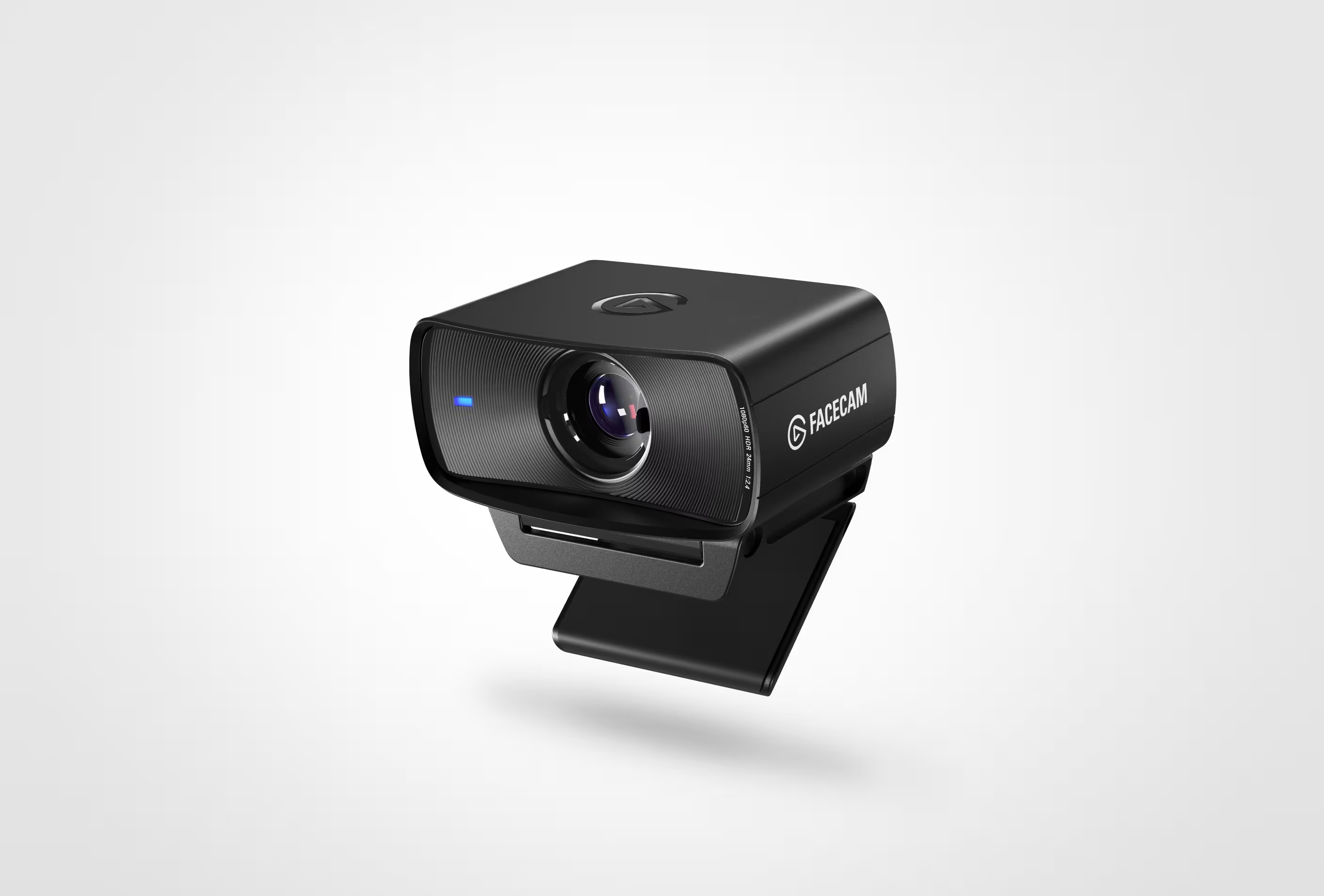
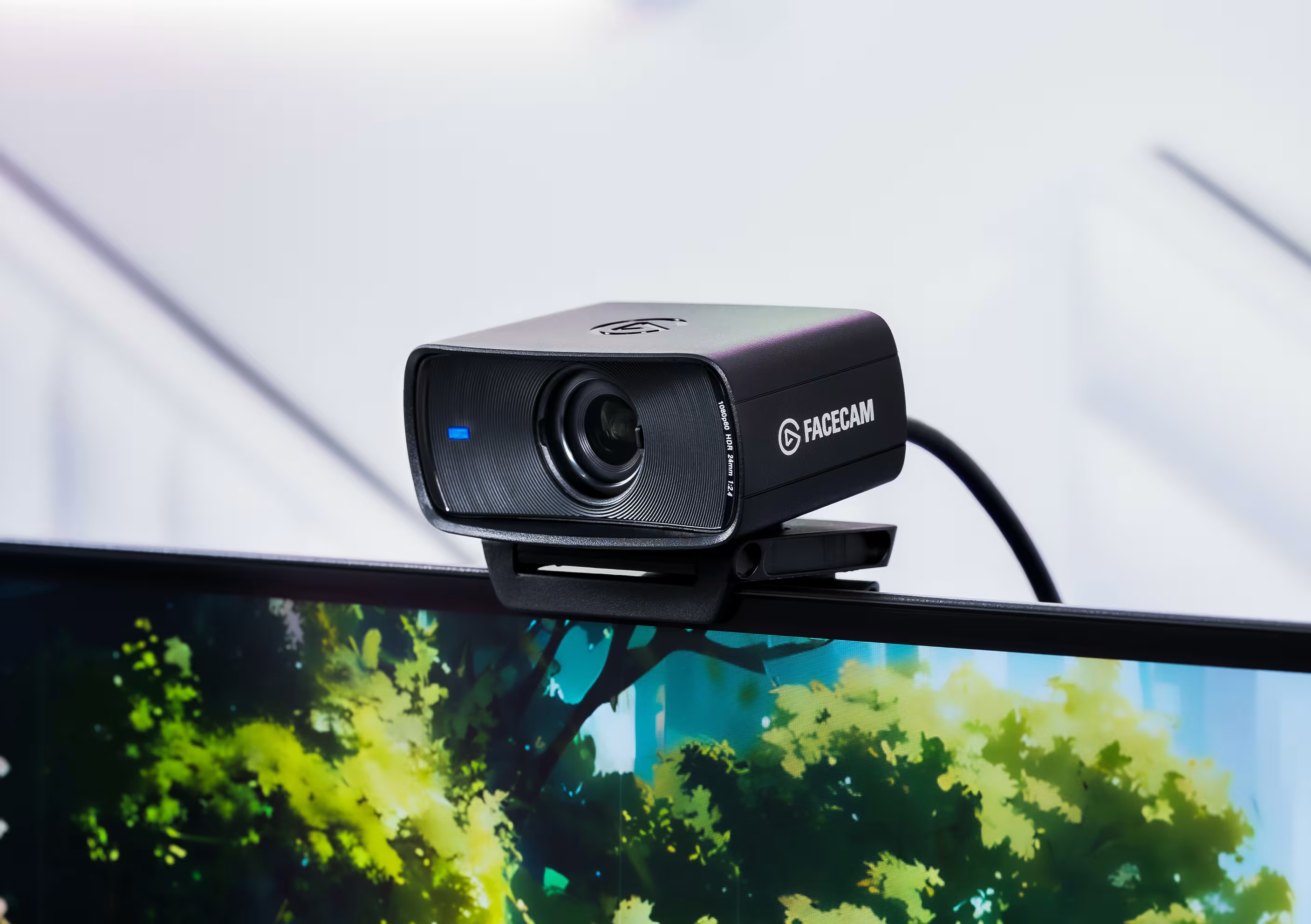
In live streaming and fast-paced gaming, video latency can impact your presentation. The Elgato Facecam MK2 is designed to address this delay, providing smooth performance by sending raw, uncompressed data directly over your USB connection.
For creators who stream competitive esports or want a responsive camera feed that matches high-frame-rate gameplay, this webcam offers an efficient, reliable solution.
Raw, Uncompressed Video Performance
The defining technical feature of the Facecam MK.2 is its ability to output uncompressed 1080p video at a smooth 60 FPS. While standard webcams compress data over USB—which can create muddy digital artifacts during high-motion scenes—the Facecam MK.2 delivers a clean image pipeline. This ensures your reactions and facial expressions stay synchronized with your fast-paced gameplay.
Premium Optics and 120 FPS High-Speed Modes
Equipped with an f/2.4 custom Elgato Prime Lens and a 1/2.5″ Sony STARVIS CMOS sensor, the camera handles bright and dark tones efficiently. For creators using head-tracking software or those who want an incredibly fluid camera response, the Facecam MK.2 can scale down to 720p or 540p resolution at an impressive 120 FPS.
It also includes hardware-level HDR (High Dynamic Range) processing at 1080p60. This enables the sensor to balance bright monitor glow against dark background spaces, preventing harsh exposure spikes on your face.
💡 Technical Setup Tip: The Facecam MK.2 uses a fixed-focus lens optimized between 30 cm and 120 cm. This ensures you stay perfectly sharp while moving in your chair, preventing the camera from accidentally hunting for focus if your hands move across the frame.
Onboard Hardware Profiles and Camera Hub Suite
Elgato’s Camera Hub software offers granular control over your image settings, functioning similarly to a DSLR menu. You can manually adjust:
- ISO Levels and Shutter Speed
- White Balance Color Temperature
- Digital Zoom, Pan, and Tilt Coordinates
- Contrast, Saturation, and Sharpness Sliders
The webcam houses integrated onboard flash memory. Once you dial in your perfect exposure settings inside Camera Hub, the configuration saves directly onto the webcam hardware. This means your image profile remains intact even if you plug the camera into a different computer or stream via OBS Studio on a dual-PC setup.
Final Verdict: Who is the Elgato Facecam MK2 For?
The Elgato Facecam MK2 is an excellent choice for fast-paced streamers and content creators who value smooth performance and uncompressed clarity over ultra-high resolutions. With its smart software integrations and internal hardware memory, it is a reliable tool for professional gaming setups.